This topic shows you how to manually add an employee to EmpowerHR.
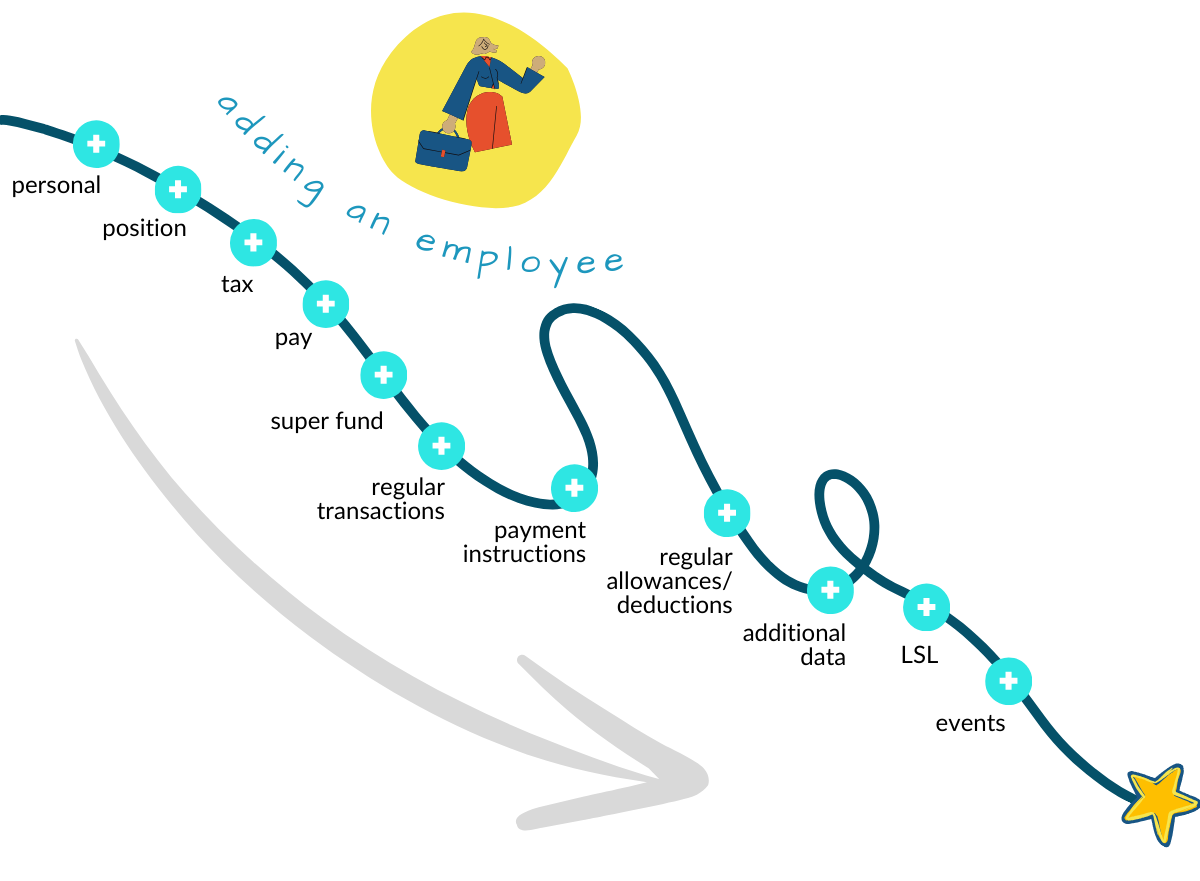
Start by adding the personal employee information, and EmpowerHR prompts you to add the other details by automatically opening each screen in the sequence. This helps to guide you through the process from start to finish.
Here's the sequence of the screens and the data you enter...

|
If your organisation is implementing EmpowerHR for the first time and you need to add many employees, see bulk upload new employees. Once an employee is created in EmpowerHR, if you need to record additional employments for that individual, see multiple employments. |
See:
- Add personal employee information
- Add employee position information
- Add employee tax details
- Add employee pay information
- Add employee super fund details
- Add employee regular transactions
- Add employee payment instructions
- Add employee regular allowances and deductions
- Add employee additional data
- Add employee long service leave
- Add events
© 2023 Fusion5. All rights reserved.