Here is where you record the employee's regular allowance and deduction details. 
[-] Hide example
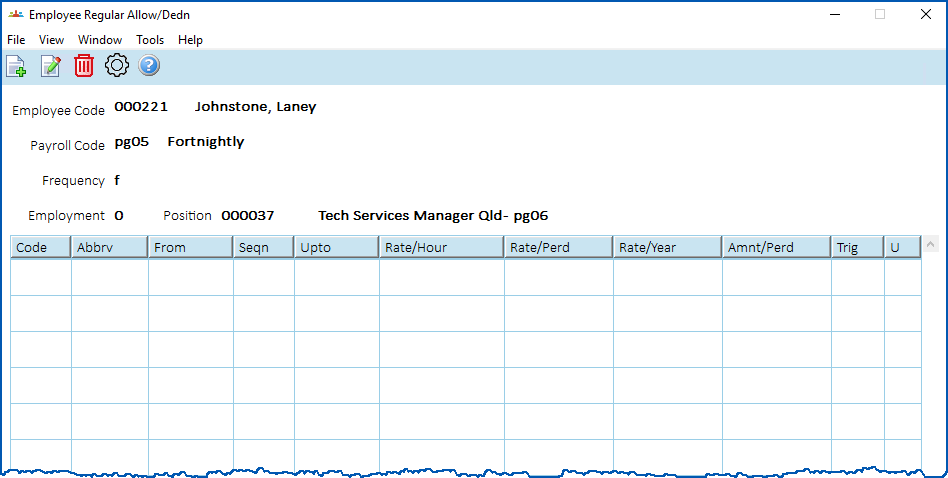
Here's an example of the Employee Regular Allow/Dedn summary screen.

|
What's the difference between employee regular transactions and employee regular allowances and deductions?
|
Add regular allowance and deduction details
To add employee allowance and deduction details:
- At the Employee Regular Allow/Dedn summary screen, click New.
- At the Employee Regular Allow/Dedn (add) screen, complete the regular allowance/deduction fields.
- Click Save.
- If you have more allowances/deductions to add, repeat this procedure.
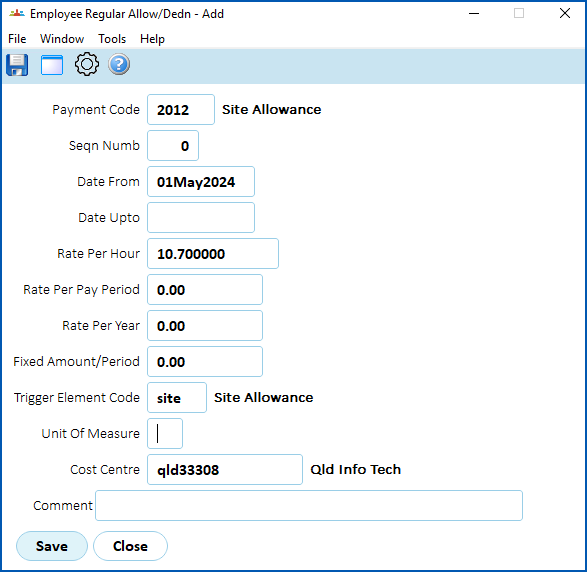
When you finish adding regular allowance and deduction details for the employee, at the Employee Regular Allow/Dedn summary screen, click Close.
The Additional Employee Data summary screen displays. See add additional employee data for what to do next.
© 2023 Fusion5. All rights reserved.