The Tax Information screen has several tabs for recording tax details.
Add payroll details
At the Payroll tab, complete the payroll detail fields as required by your organisation.
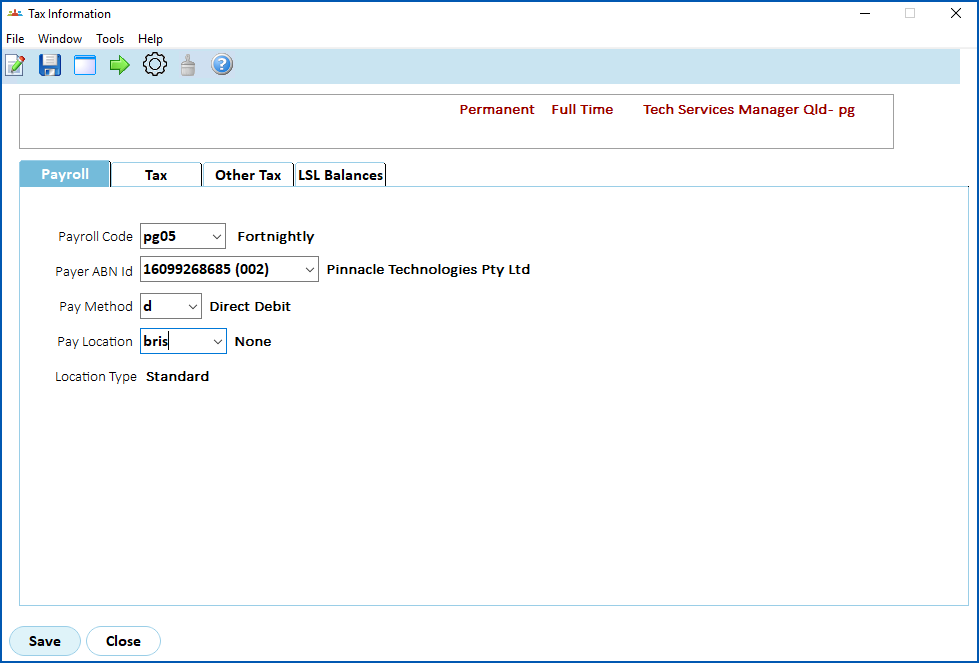
When you've finished the payroll details, click the Tax tab.
Add tax details
At the Tax tab, complete the tax detail fields as required by your organisation.
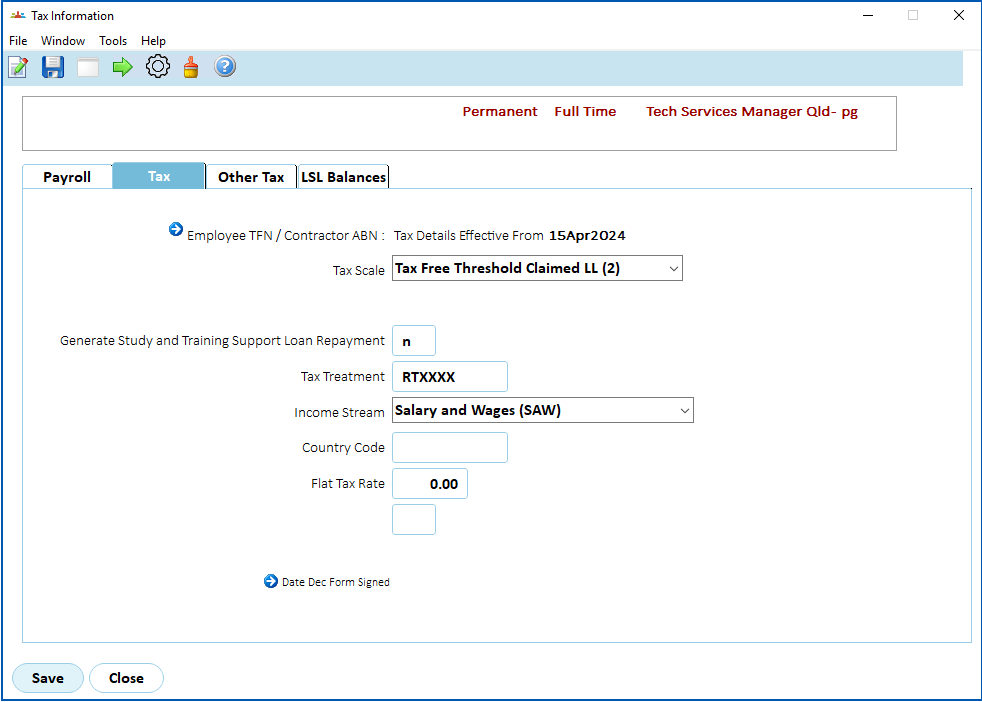
When you've finished the tax details, click the Other Tax tab.
Add other tax details
At the Other Tax tab, complete the other tax detail fields as required by your organisation.
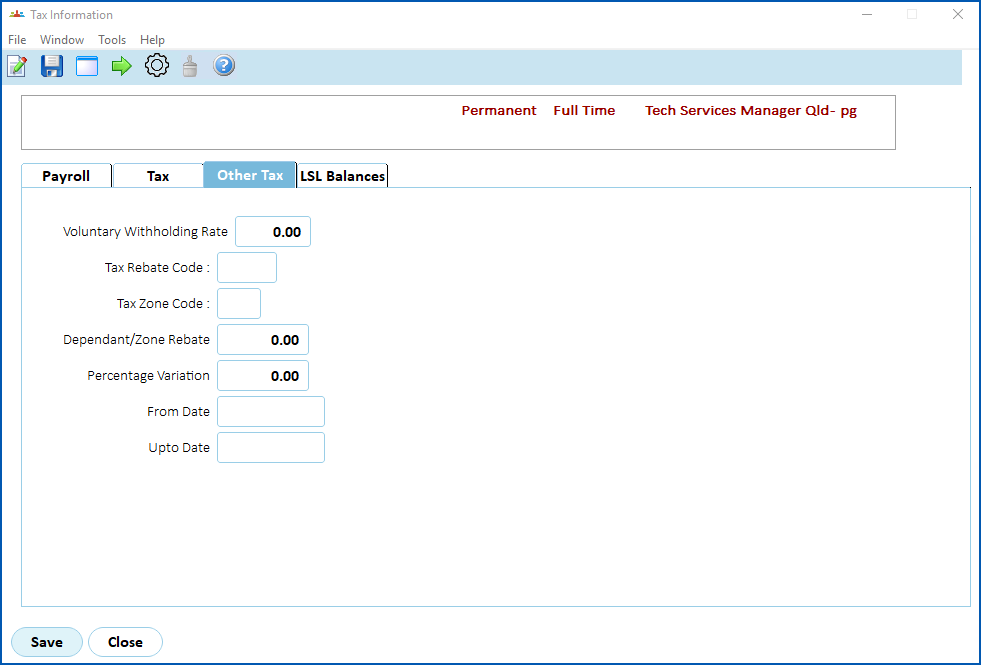
When you've finished the other tax details, click the LSL Balances tab.
LSL balance details
Generally, you don't need to use the LSL Balances tab. Contact your system administrator if you prefer to dim this tab.
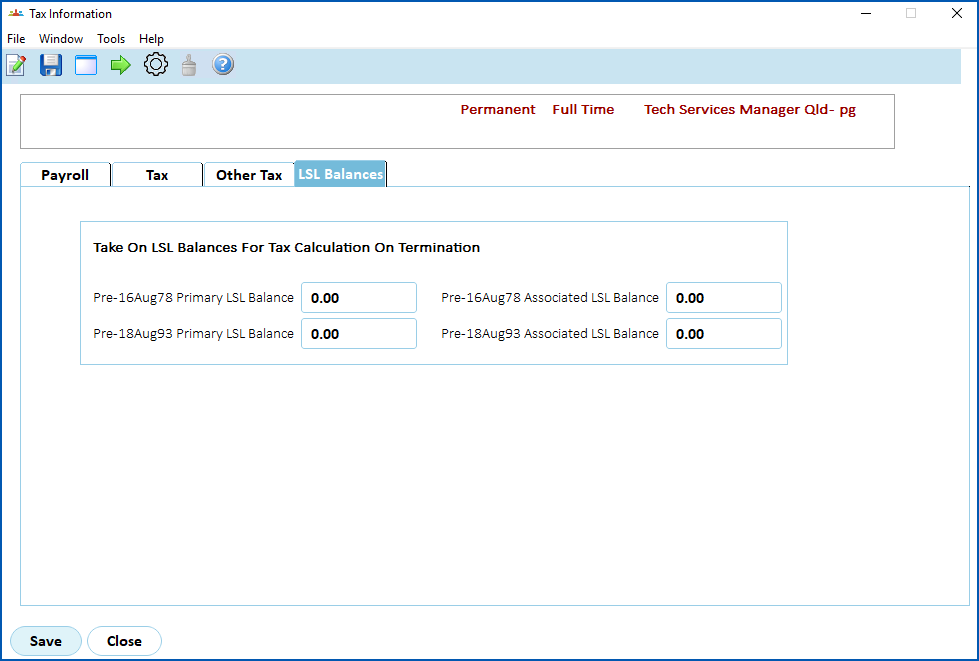
When you finish adding the employee's tax information to all the tabs, click Save.
The Pay Information screen displays. See add employee pay information for what to do next.
© 2023 Fusion5. All rights reserved.