Pay out accrued leave on termination
EmpowerHR:
- uses leave elements to identify the types of leave to pay to a terminated employee. See leave element codes for instructions on creating the leave elements.
- offers a set of standard termination payment codes. See termination leave payout codes.
- has termination settings which determine the leave element to use in different termination scenarios and define the employment termination payments (ETP) and redundancy codes to use. See the following procedure for how to view the settings.
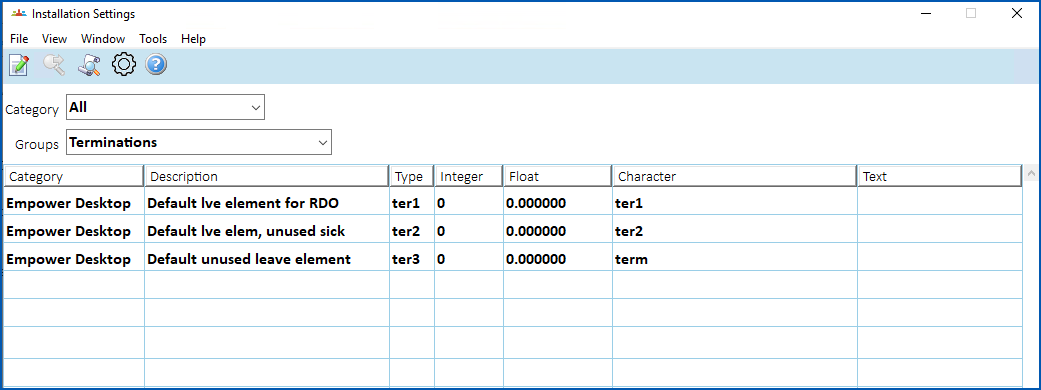
To view the termination installation settings:
- Go to Administration > Agency Management > Installation Settings
- Select Terminations in the Groups dropdown list to filter the list of settings, for example:
Change leave provision configurations
To learn about leave provisions including probability factors and leave provisions at cash rate, see configuration and implementation under set up leave rules.
© 2023 Fusion5. All rights reserved.