You can set the size of the left and right margins on data entry fields in EmpowerHR. Margins are the space between the field outline and the text.
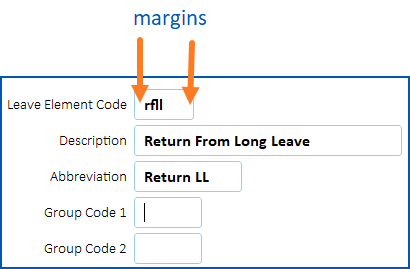
How to change field margins
To change the field margins:
- Go to Administration > Agency Management > Installation Options.
- At the Installation Options summary screen, find the option called Left Right Entryfield Margin (lrmg).
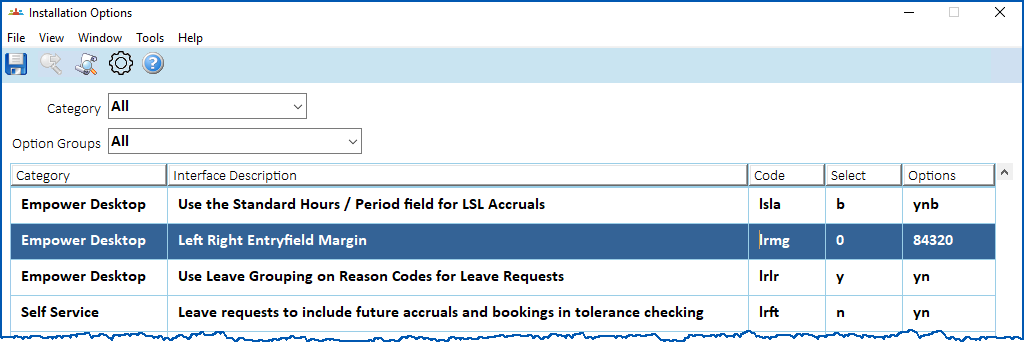
- At the Select column, enter one of the following options:
- 2 (narrowest margin)
- 3
- 4
- 8
- 0 (widest margin of 10)

|
0 is the default setting. |
- Click Save.
© 2023 Fusion5. All rights reserved.