You can customise the:
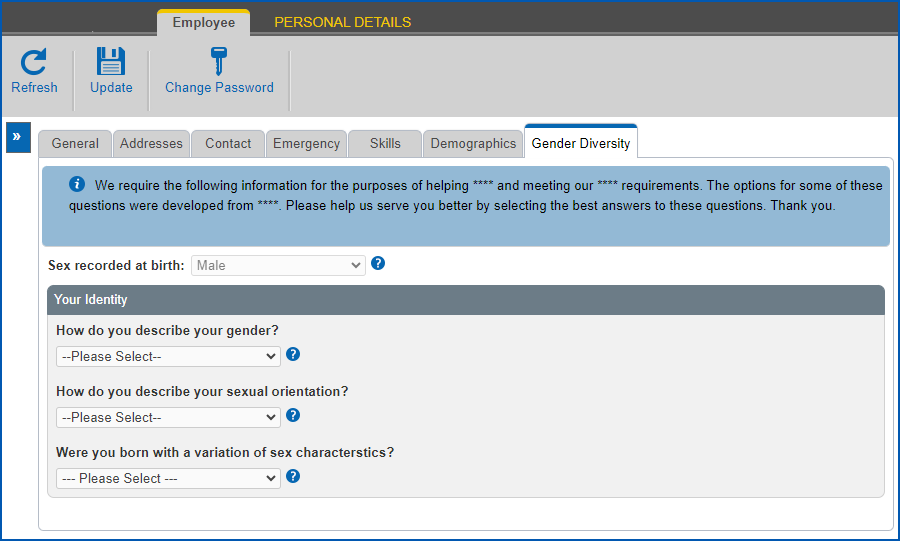
- Information message at the top of the Gender Diversity tab in self service by configuring the property
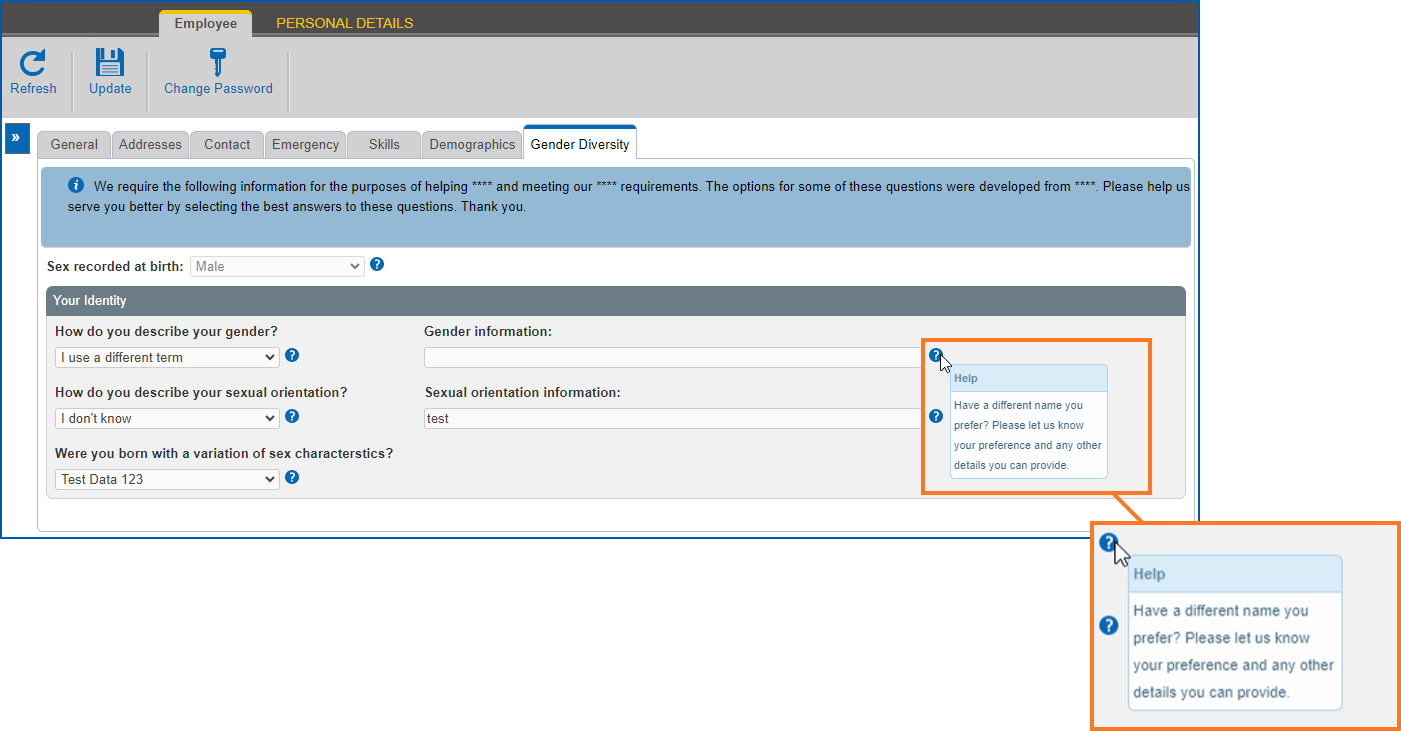
- Help on the Gender Diversity fields in self service using screen painting
Customise the information message 
To customise the information message at the top of the Gender Diversity tab:
- In Admin, go to Administration > Configuration > All Configuration.
- At the All Configuration screen, expand the Self Service > Modules list of properties, and then click Personnel Section.
- At the Properties pane, scroll down and locate the property called personnel.tabs.genderDiversity.information.msg
- Type in the message you want to display.
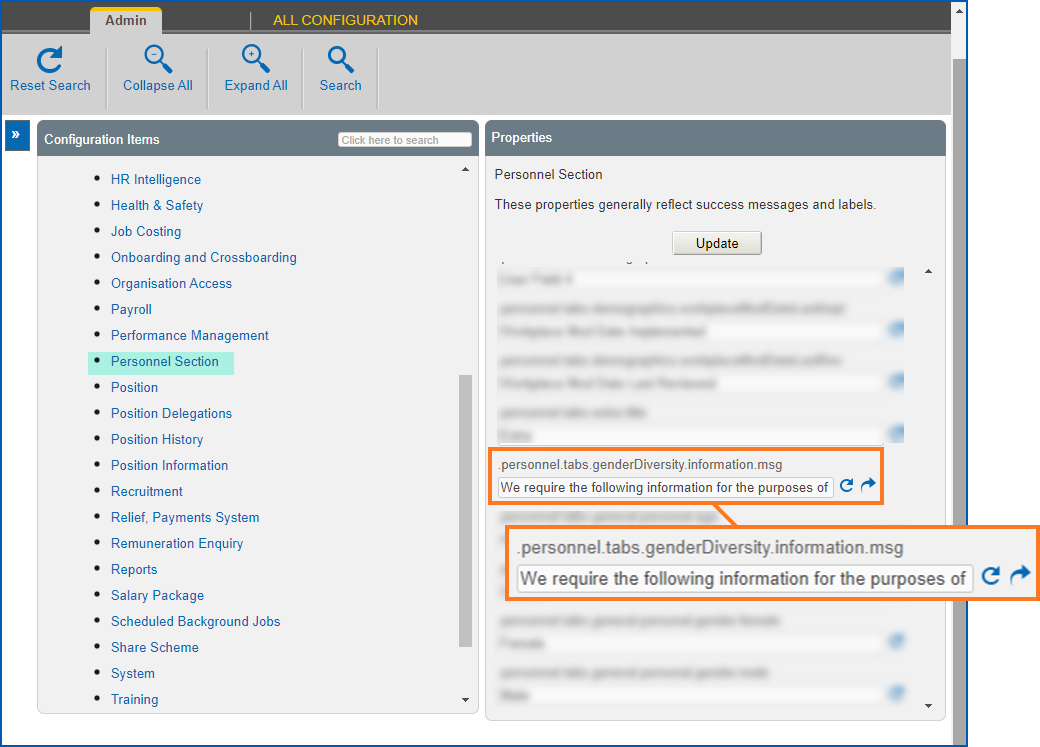
- Click Update to save your entries. Now, the information message you created displays on the Gender Diversity tab.
Customise help
To customise help on gender diversity fields:
- In Admin, go to Administration > Screen Management > Screen Painting.
- At Screen Painting, expand the Self Service list of screens, locate Change Personal Details, and then click Change.
- At Screen Painting - Personal Details, scroll down and locate the group of Gender Diversity fields.
- In the Help column, enter the help text you want for the field (up to a maximum of 300 characters).

- Repeat step 4 to customise help on any or all of the remaining fields.
- Click Update. Now, the help text you created is available when you hover over the Help icon on each field.
© 2023 Fusion5. All rights reserved.