Here you can search for, and view, the following types of transactional changes:
- employee – payroll move
- employee type
- employment condition
- employee contract expiry
- employee work pattern
- position movements, including bulk salary and bulk cost centre
- regular allowance alterations
- regular transactions
- payment instruction
To view transactional data:
- Go to Enquiries > Administration > Audit.
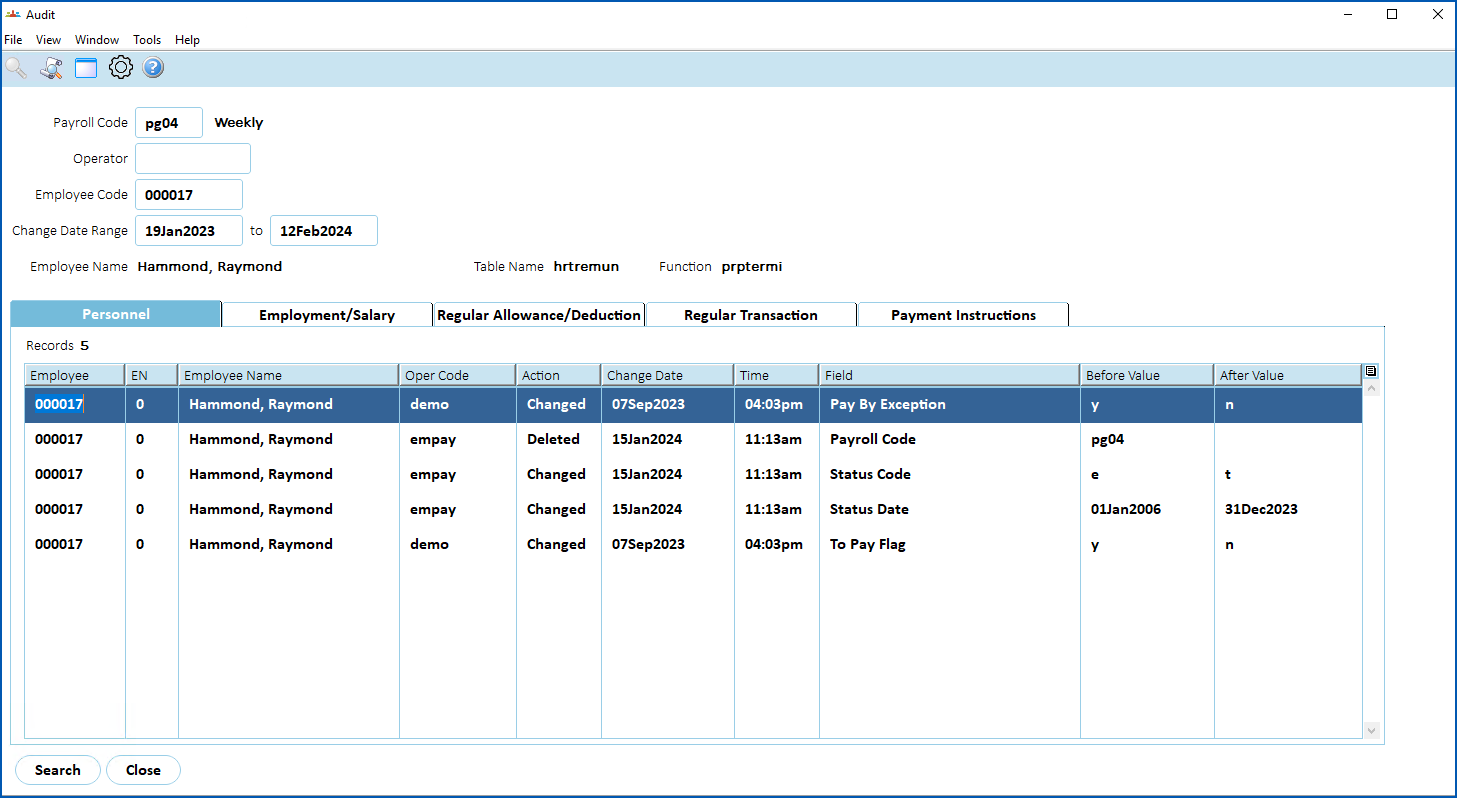
- At the Audit screen, enter the:
- Payroll Code (mandatory)
- Operator Code
- Employee Code
- Date Range (mandatory)
- Click Find Now.
- The results are displayed across tabs according to the type of audit. Click a tab to see the data.
© 2023 Fusion5. All rights reserved.