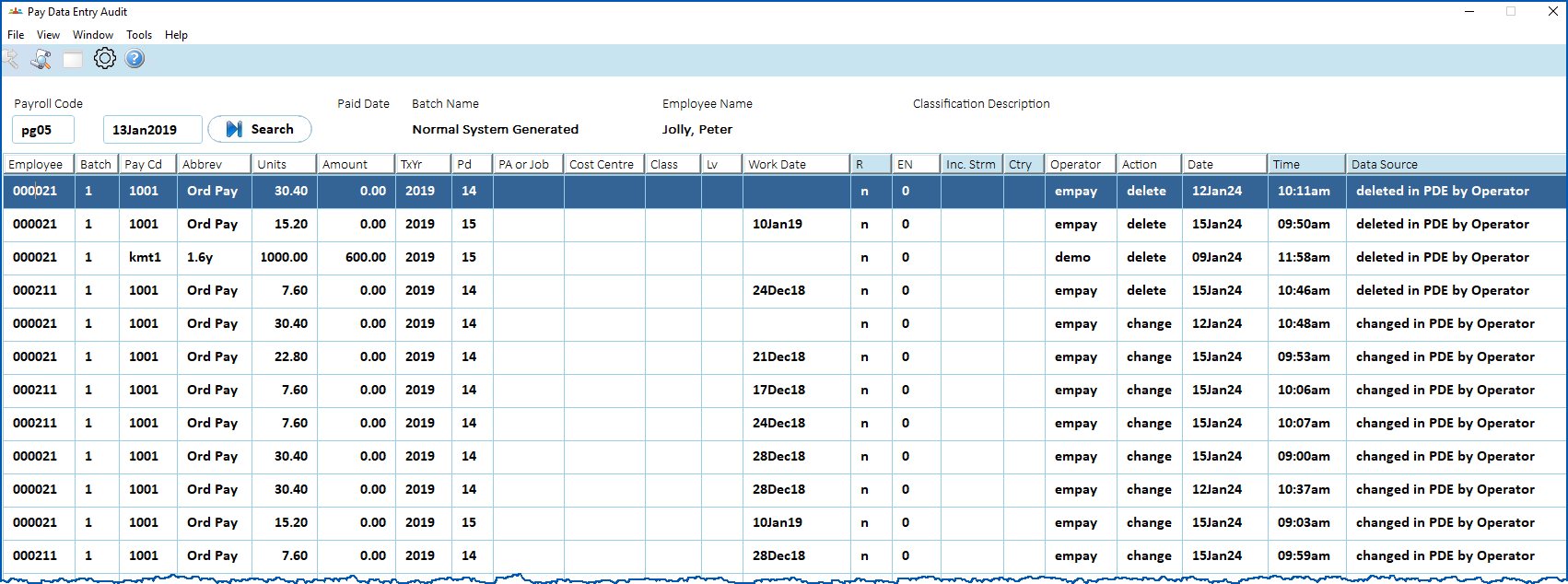
Here you can view pay data entry changes for a particular payroll and pay date.
To view pay data entry changes (audit enquiry):
- Go to Enquiries > Payroll > Pay Data Entry Audit.
- The Pay Data Entry Audit screen displays.
- At the Payroll Code field, click Lookup.
- At the Payroll/Pay Dates lookup window, find and double-click the payroll/pay date to add them to the Pay Data Entry Audit screen.
- Click Search.
- The results are displayed.
© 2023 Fusion5. All rights reserved.