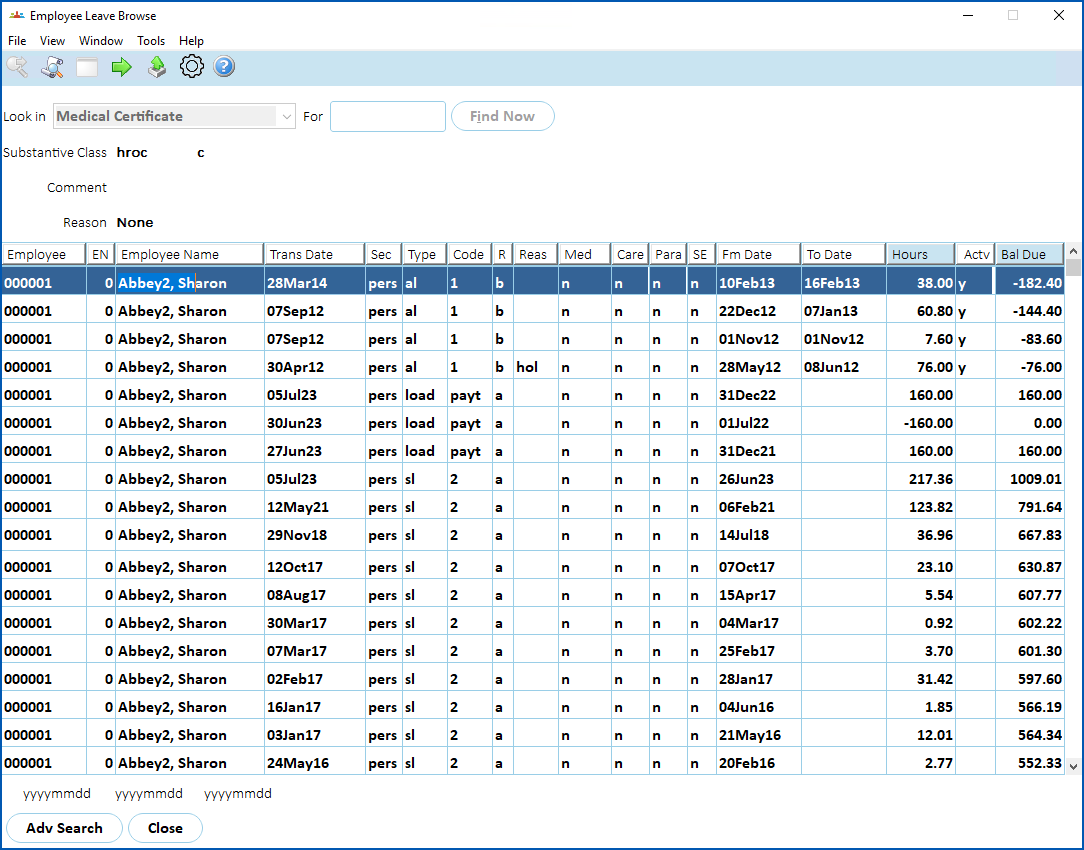
Use this enquiry screen to see details of accrual records and leave bookings for employees.
To view employee leave browse: 
- Go to Enquiries > Leave > Employee Leave Browse.
- At Look in, select an option from the dropdown list, and then enter search criteria in For, or leave this field blank.
- Click Find Now. The results are displayed.
© 2023 Fusion5. All rights reserved.