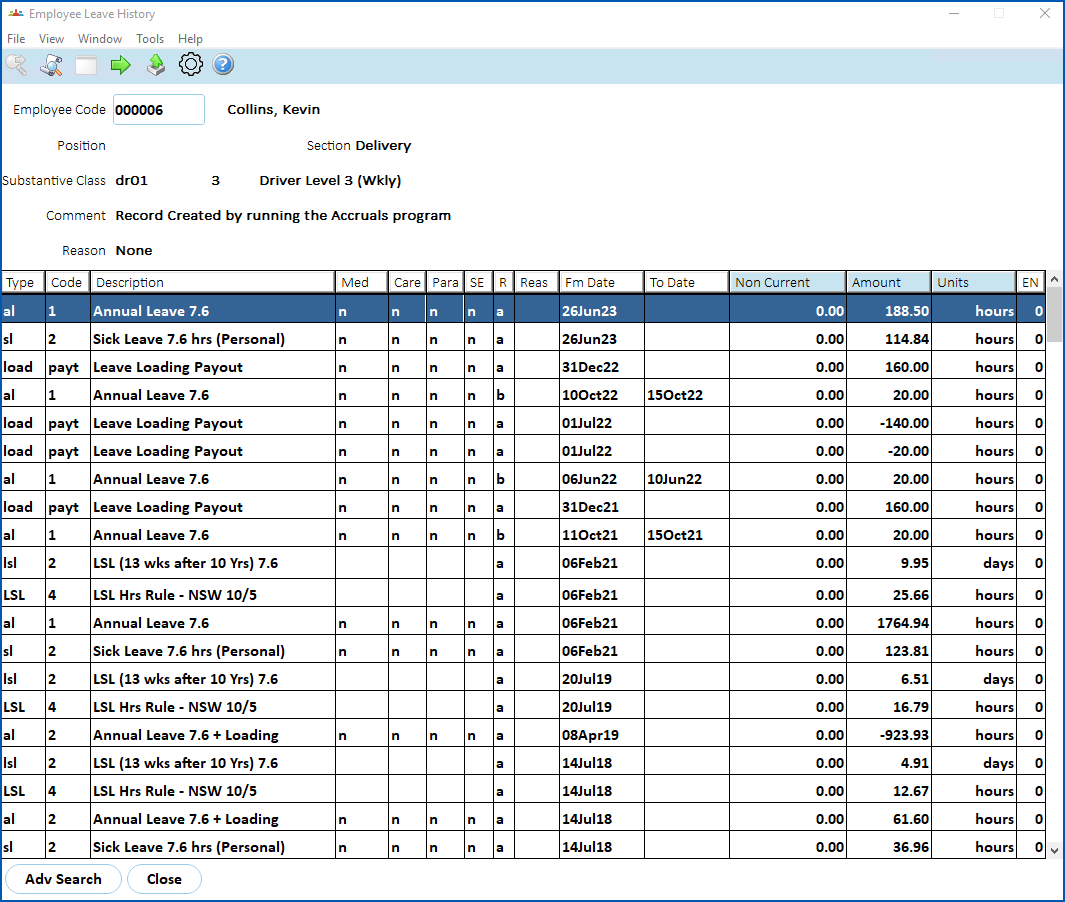
To view employee leave history:
- Go to Enquiries > Leave > Employee Leave History.
- At Employee, enter the employee code if you know it, or click Window, find and double-click the code to add it to the field.
- Press Tab.
- The results are displayed.
© 2023 Fusion5. All rights reserved.