You can change an employee's formula calculation type using the Update Formula Type screen.
Only change the formula type during the pay period flagged as the Christmas Pay period on the Tax Year Period control code, for example, Christmas Leave Pay/Loading Period? = y.
To update (change) an employee's formula calculation type: 
- Go to Tasks > School > Update Formula Type.
- At the Update Formula Type screen, to:
- list all employees and their formula types, click Find Now, or
- narrow your search to a specific employee, enter an employee code in the For field, and then click Find Now
- EmpowerHR displays the results of your search.
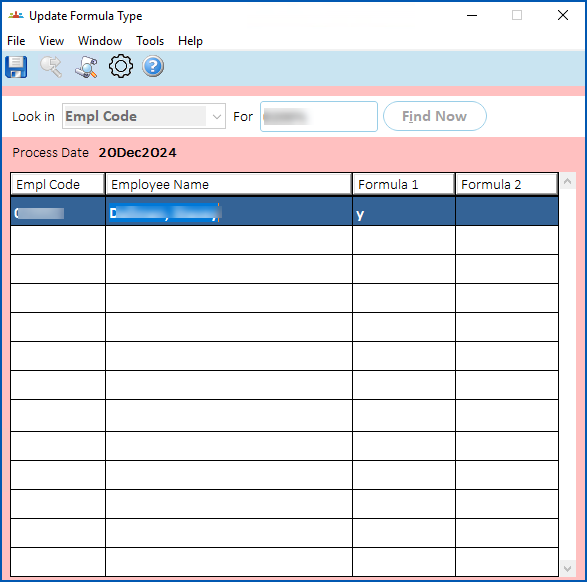
- Change the formula type for an employee by:
- first deleting y from the column of the Formula you want to change from
- entering y in the column of the Formula you want to change to

|
If you want to change the employee to no formula type (no variation), delete y from both Formula columns. |
- Click Save.
- Perform a Pay Calculation to recalculate the formula amount.
© 2023 Fusion5. All rights reserved.