Update casual field on employee type codes
Employee category rules depend on the value in the Casual? field on the employee type code:
- c = casual, or
- p = permanent, or
- f = fixed term
Make sure all codes for active employees have a correct value in the Casual? field.
To update the casual field on an employee type code:
- Go to Control Tables > Employees > Type Codes.
- At the Type Codes summary screen, select a type code, and then click Open.
- At the Type Codes detail screen, update the Casual? field, as required.
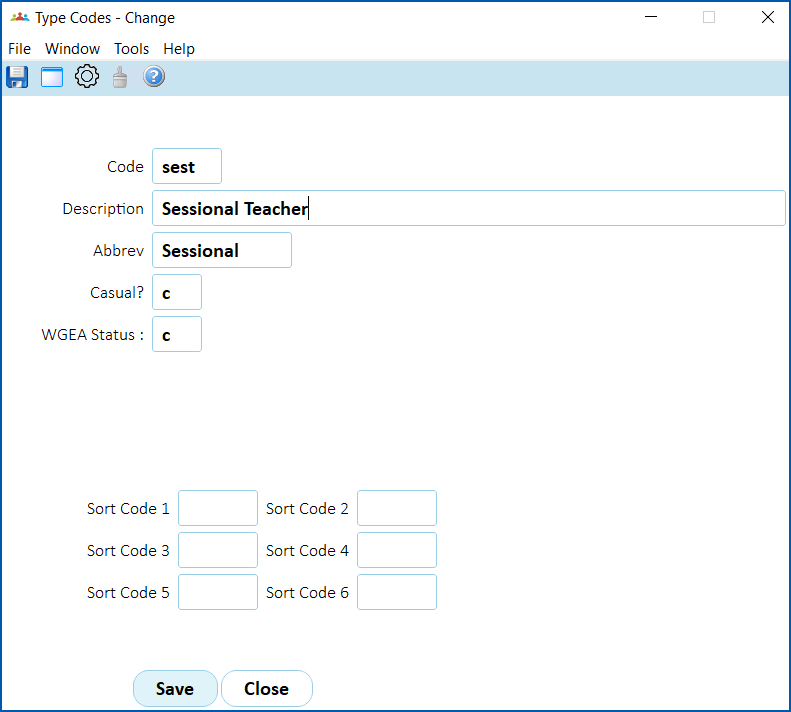
- Click Save.
- Repeat this procedure, starting from step 2, until you've updated all the required type codes.
© 2023 Fusion5. All rights reserved.