In ESS, you can enter some information from your resumé and, if you wish, provide a link to a location containing your resumé.
EmpowerHR makes this information available to managers when they are investigating available casual staff via MSS.
To add information from your resumé and a link:
- Go to Casual Relief > Resume.
- EmpowerHR displays the Resume screen.
- At Current resume, in the:
- Resume field. enter information from your resumé, for example, an introductory paragraph.
- Hyperlink field, enter a link to a page containing your resumé, if you wish.
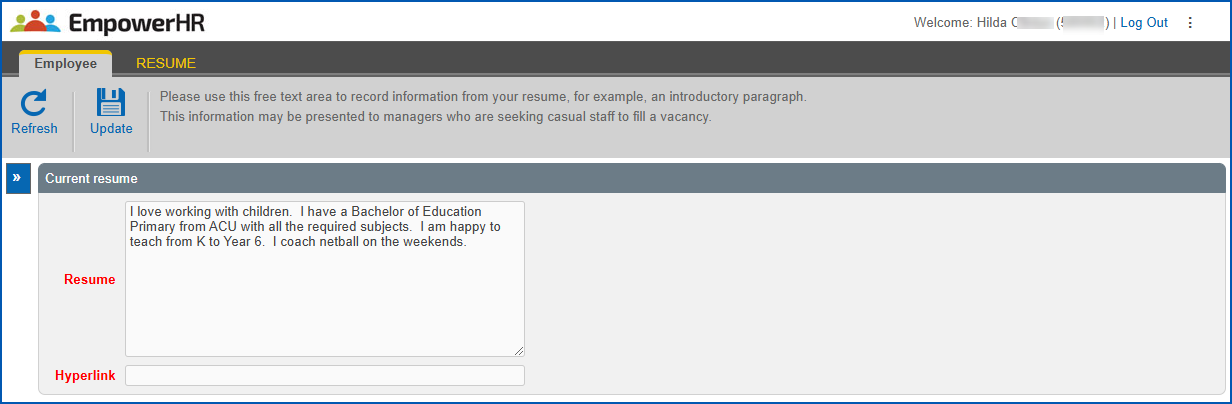
- Click Update.
© 2023 Fusion5. All rights reserved.