EmpowerHR uses the Sexual Orientation control table in the employee gender diversity feature.
Create or update sexual orientation codes 
To create or update a sexual orientation code:
- Go to Control Tables > Employee > Sexual Orientation.
- At the Sexual Orientation summary screen, click:
- New to create a new code, or
- Open to update an existing code
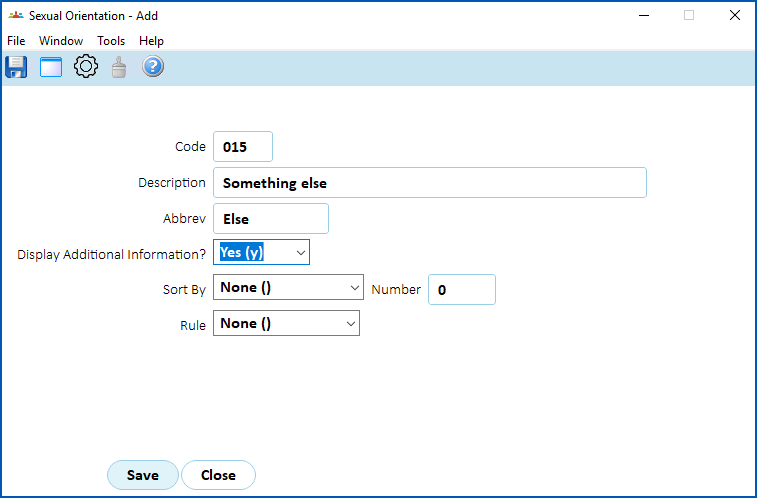
- At the Sexual Orientation detail screen, complete or change the fields. See gender diversity code fields & selectors for help.
- Click Save.
© 2023 Fusion5. All rights reserved.