Make sure employment condition codes in EmpowerHR are correctly mapped to the GESB super file employee condition codes.
To check the employment condition codes: 
- Go to Control Tables > Positions > Employment Condition Codes.
- At the Employment Condition Codes summary screen, click Find Now to list all the existing employment condition codes.
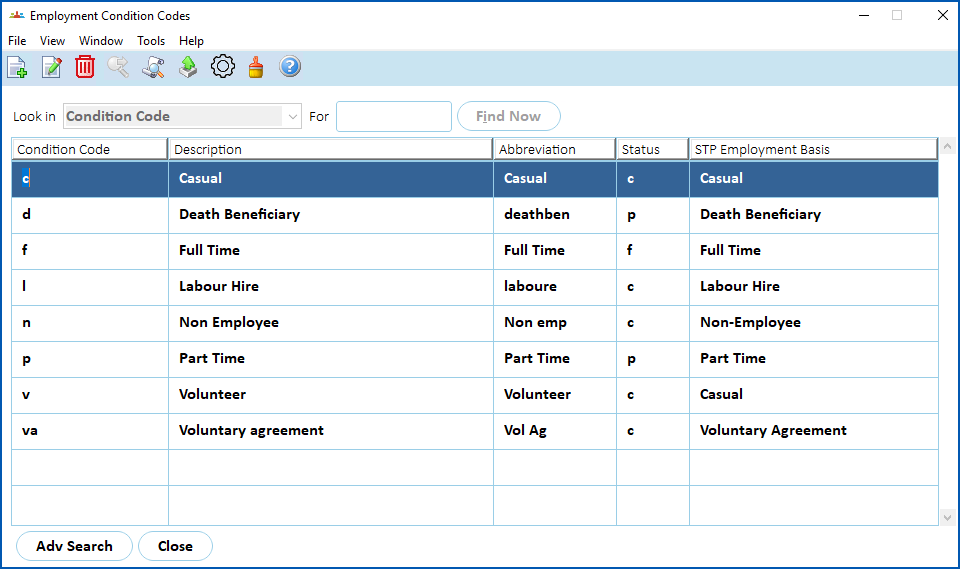
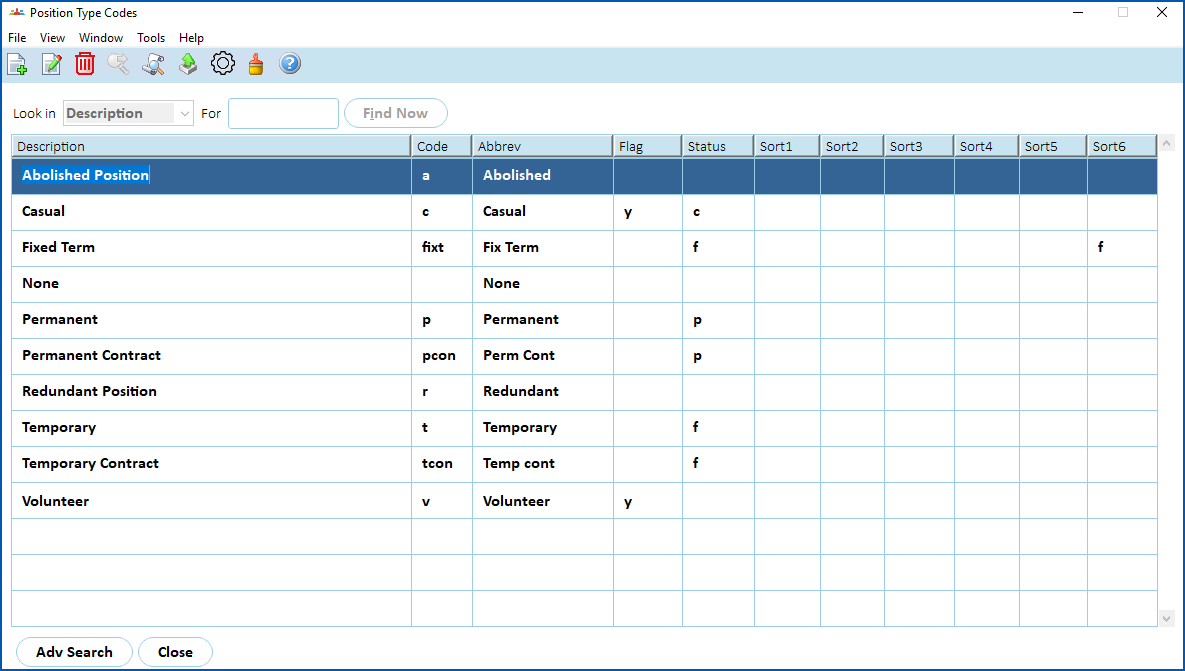
If you do not have condition codes for Contractor or Casual, the Sort Code 6 field of the Position Type Code is used to store HR MOIR  categories, such as:
HR MOIR = Human Resources Minimum Obligatory Information Requirement.
Public Sector agencies are required to report workforce information. This data set is known as HR MOIR.
T E S B | sets the Employment Status code description to Contractor |
C | sets the Employment Status code description to Casual |
To check/update position type codes, go to Control Tables > Positions > Position Type Codes.
© 2023 Fusion5. All rights reserved.