Run a relief and payments report
To run a relief and payments report: 
- Go to Relief and Payments > Reports.
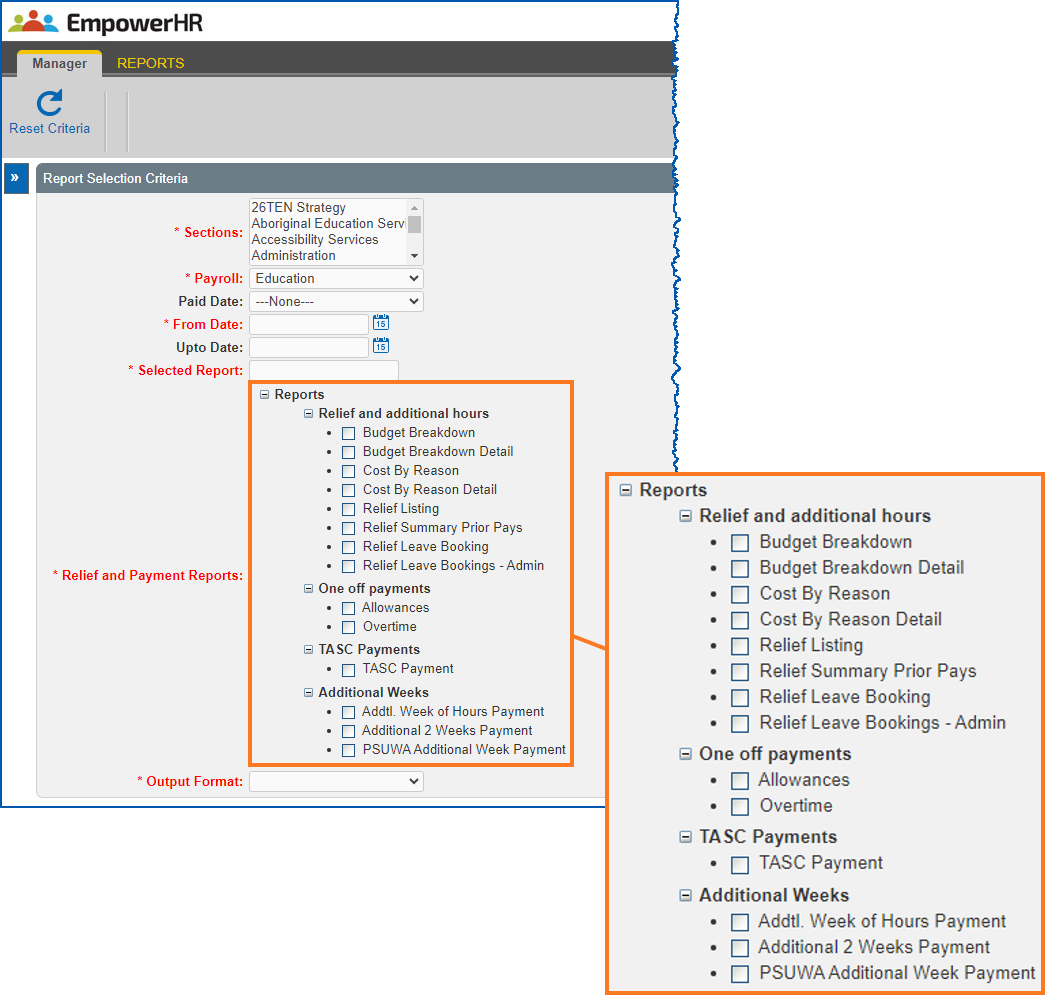
- At the Reports screen, make your selections including:
- if you manage more than one section, select a section from the Sections list
- enter the date range for the report
- open Reports, and then select the report you want to run
- select an output type from the Output Format dropdown list
- Click Run Report A window displays the report output (for example, PDF), or downloads the report (for example, comma-separated values/Excel file) - depending on your chosen output type.
© 2023 Fusion5. All rights reserved.