The Payment Code Accounts control table indicates how EmpowerHR reports each payment code in your General Ledger.
Each code must have a debit and credit entry in this control table.
Create a payment code account
To create a payment code account:
- Go to Control Tables > General Ledger > Payment Code Accounts
- At the Payment Code Accounts summary screen, click New to create a new payment code account.
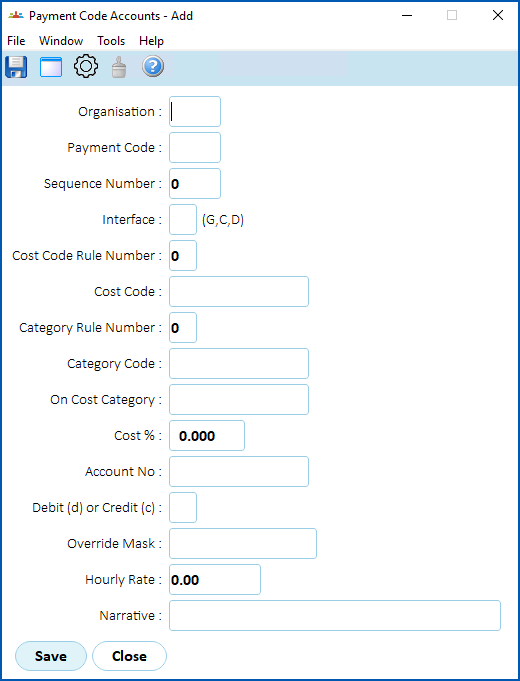
- At the Payment Code Accounts detail screen, make your selections and entries in some or all of the payment code account fields (GL).
- Click Save.
© 2023 Fusion5. All rights reserved.