Once you've reviewed the request and updated cost centres if needed, you have four actions available.
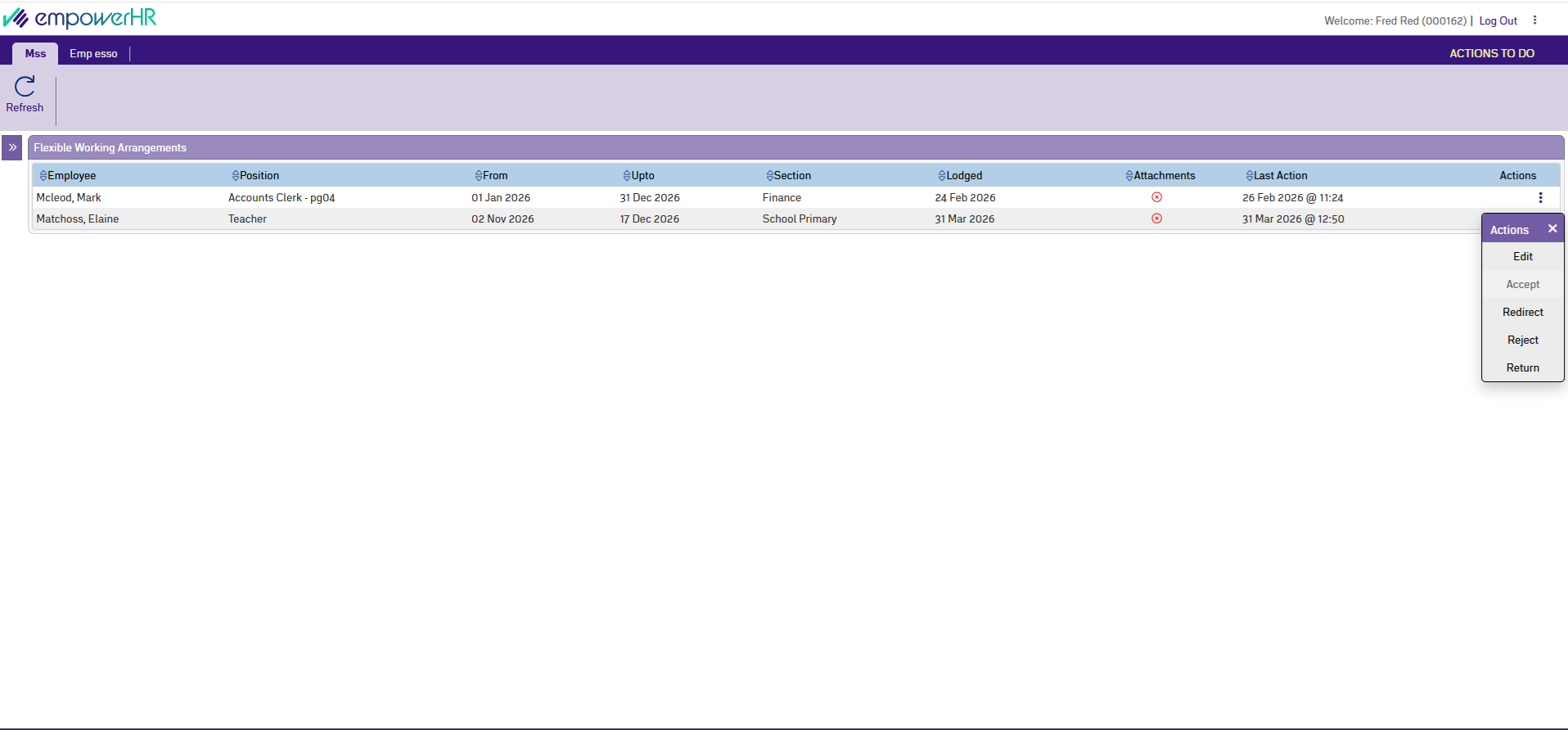
Accept
Moves the request to the next step in the workflow. If you're the last approver before payroll, the request goes to payroll staff for final processing in Desktop. You can add comments to support your decision, but they're optional.
Redirect
Sends the request to a different person for review instead of you. Select the person from an employee lookup and add comments explaining why you're redirecting. Both the employee and the new reviewer are notified.
Reject
Ends the workflow and closes the request. The employee receives a notification with your comments. If you're rejecting a request from an employee with 12 months or more of service, you should document reasonable business grounds for the refusal – this is a Fair Work Act requirement.
Return to originator
Sends the request back to the employee so they can make changes. Add comments explaining what needs to be corrected. The employee can update their request and resubmit it, and it will come back through the workflow.
After you take action
You'll see a confirmation message, and EmpowerHR sends notifications to the relevant people. Your action and any comments are recorded in the workflow history, so later approvers and payroll staff can see the full trail of decisions.
You can also view all pending and completed requests from the Self Service dashboard.
Next topic |
|---|
© 2023 Fusion5. All rights reserved.