You can make a classification redundant if your organisation no longer uses it.
While making a classification redundant prevents it from being used any more, it does not delete it from the system. EmpowerHR maintains any historical data held against positions and employees.
To make a classification redundant: 
- Go to Tasks > Classifications > Class Input.
- At the Class Input summary screen, enter the classification code in the For field, and then click Find Now to list the classification code records.
- Select the record you want to make redundant, and then click Process.
- At the Class Input detail screen, enter the Redundant Date.
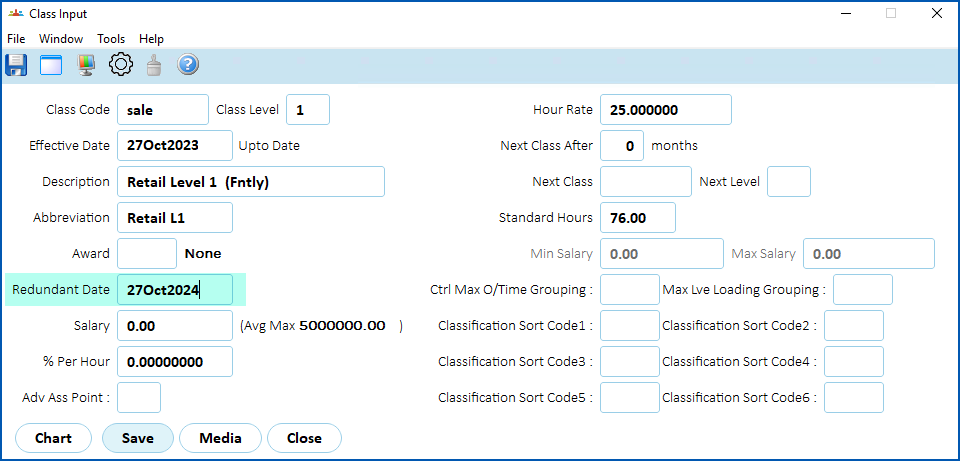
- Click Save.
© 2023 Fusion5. All rights reserved.