To maintain your personal details:
- Go to Personal Details.
- Check the information on each of the following tabs to make sure it is complete and current. Make changes, if required.
- General
- Addresses
- Emergency
- Next of Kin
- Go to the Contact tab, and make sure your contact information is current. Providing the mobile and email address information on the Contact tab is your preferred message method EmpowerHR uses to notify you about a casual vacancy (SMS and/or email).
- Make changes to the Contact tab, if required.
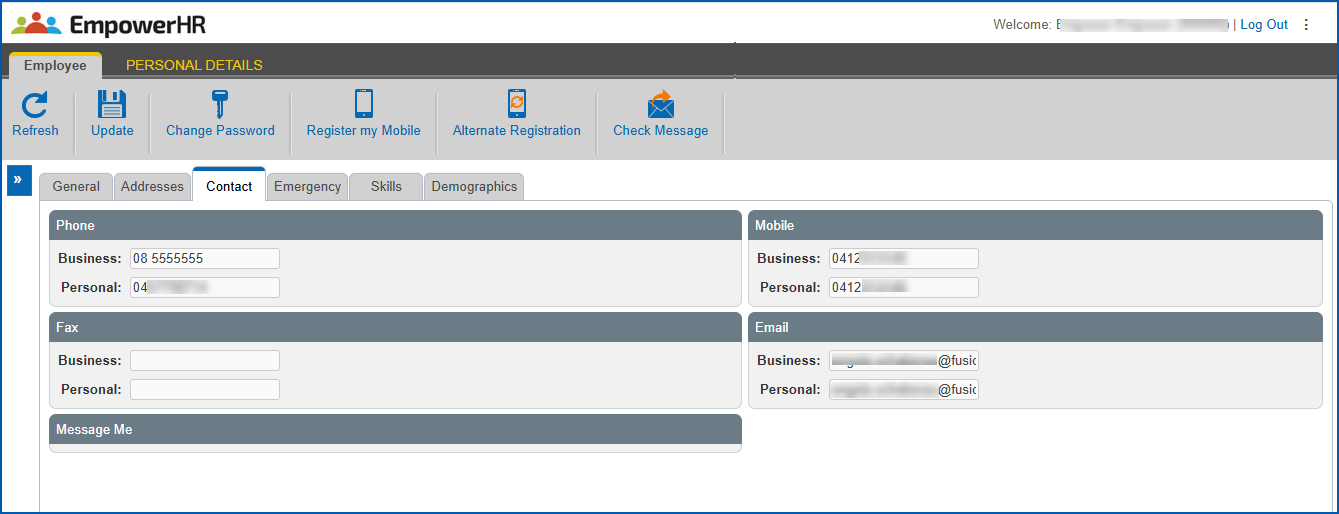
- Click Update.
- Click Check Message to make sure messaging is working correctly. EmpowerHR sends a test message to the mobile number(s)/email address(es) on your Contact tab..
 | You can only use the Check Message button once in a session. |
- To send a Casual Relief:
- login page bookmark to your mobile phone, click Register my Mobile
- login page URL to your mobile phone, click Alternate Registration
© 2023 Fusion5. All rights reserved.