Define settlement periods screen 
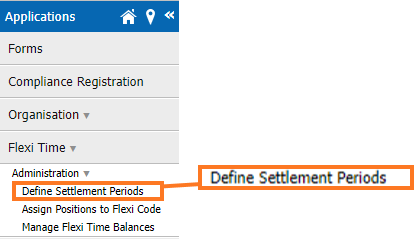
When you go to Flexi Time > Administration > Define Settlement Periods in Self Service, you'll find the screen where you set up and maintain calendars and settlement periods.
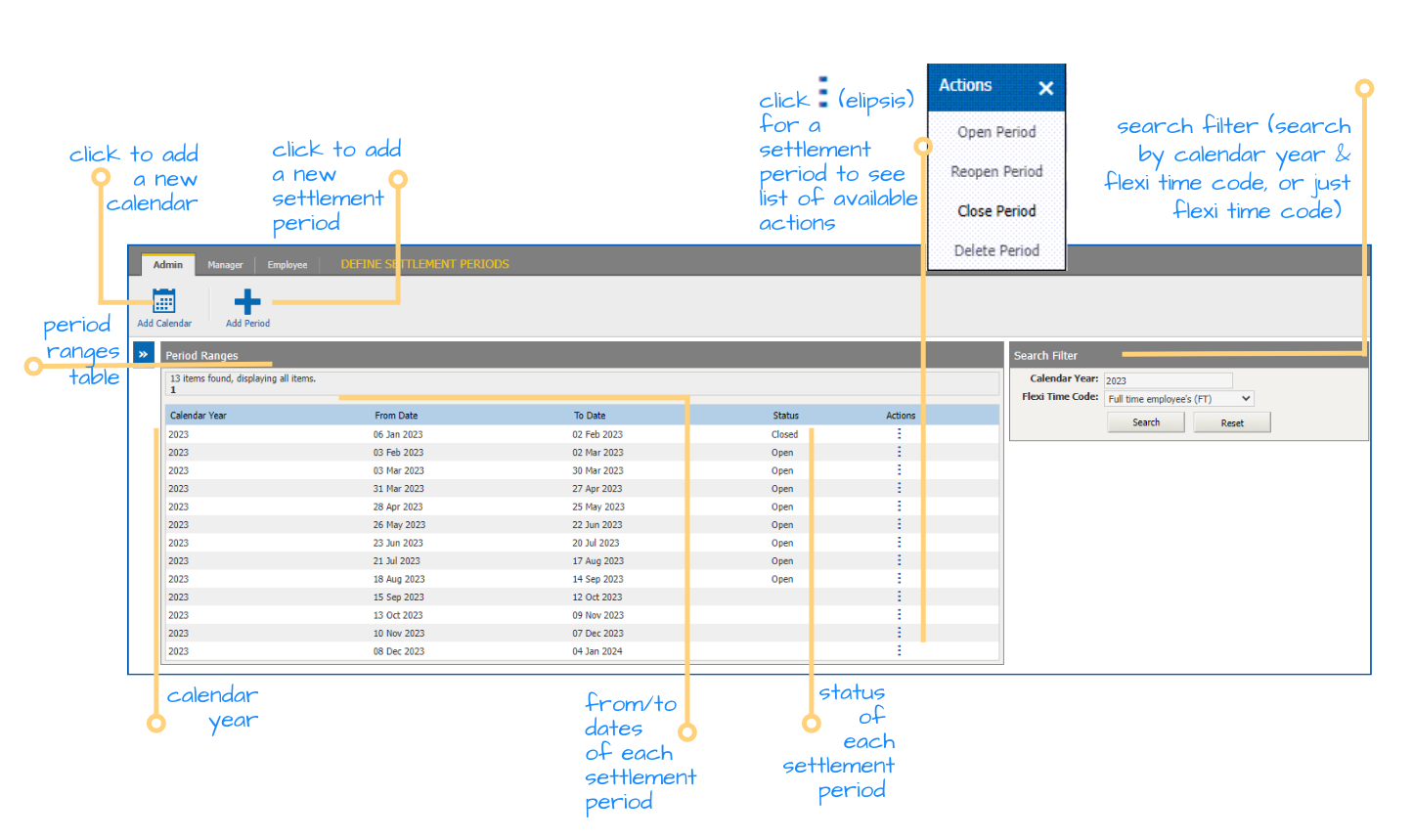
Search for calendars and settlement periods
At the Define Settlement Periods screen, you can search by a combination of Calendar Year and Flexi Time Code, or just by Flexi Time Code.
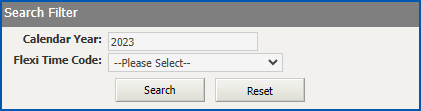
When you search:
- by both Calendar Year and Flexi Time Code, the settlement periods in that calendar are displayed or, if the calendar doesn’t exist, you can set up a new one. When you set up a new calendar, based on the start date you enter, EmpowerHR generates the settlement periods for you.
- just by Flexi Time Code, EmpowerHR displays all existing settlement periods based on that code, irrespective of the calendar year they belong to (the Calendar Year column provides that detail). This is particularly handy when searching for a settlement period that crosses the end of one year and the start of another.
 |
When you want to do a new search, click Reset. The Calendar Year clears and the Flexi Time Code defaults to the first one in the dropdown list. |
© 2023 Fusion5. All rights reserved.