To provide consistent reasons employees can choose from when recording work-related absences (such as training, site visits etc) in their timesheets, you need to set up absence reason codes.
To add an absence reason code:
- Go to Control Tables > Calendars > Absence Reasons.
- At the Absence Reasons summary screen, click New.
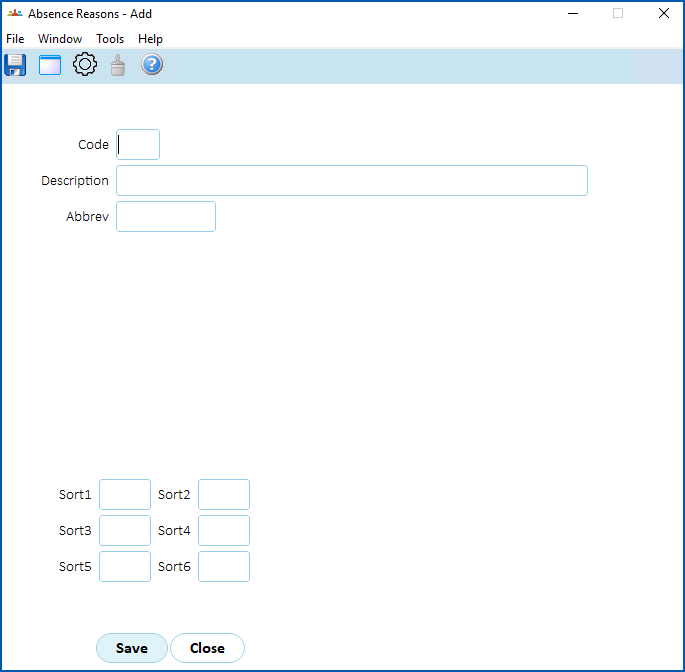
- At the Absence Reasons detail screen, complete the fields using the following table as a guide.
|
At this field...
|
Do this... |
|---|---|
|
Code |
Enter the absence reason code (up to 4 alphanumeric characters) |
|
Description
|
Enter the full description (up to 70 characters) |
|
Abbrev
|
Enter the abbreviation (up to 10 characters)
|
|
Sort 1 - Sort 6
|
N/A |
- Click Save.
- Repeat this procedure, starting at step 2, until you've set up all the absence reasons codes you need.
© 2023 Fusion5. All rights reserved.