To create a supplier/payer ABN:
- Go to Administration > Agency Management > Supplier/Payer ABN.
- At the Supplier/Payer ABN summary screen, click Find Now to see a list of existing ABNs.
- Click New to create a new supplier/payer ABN.
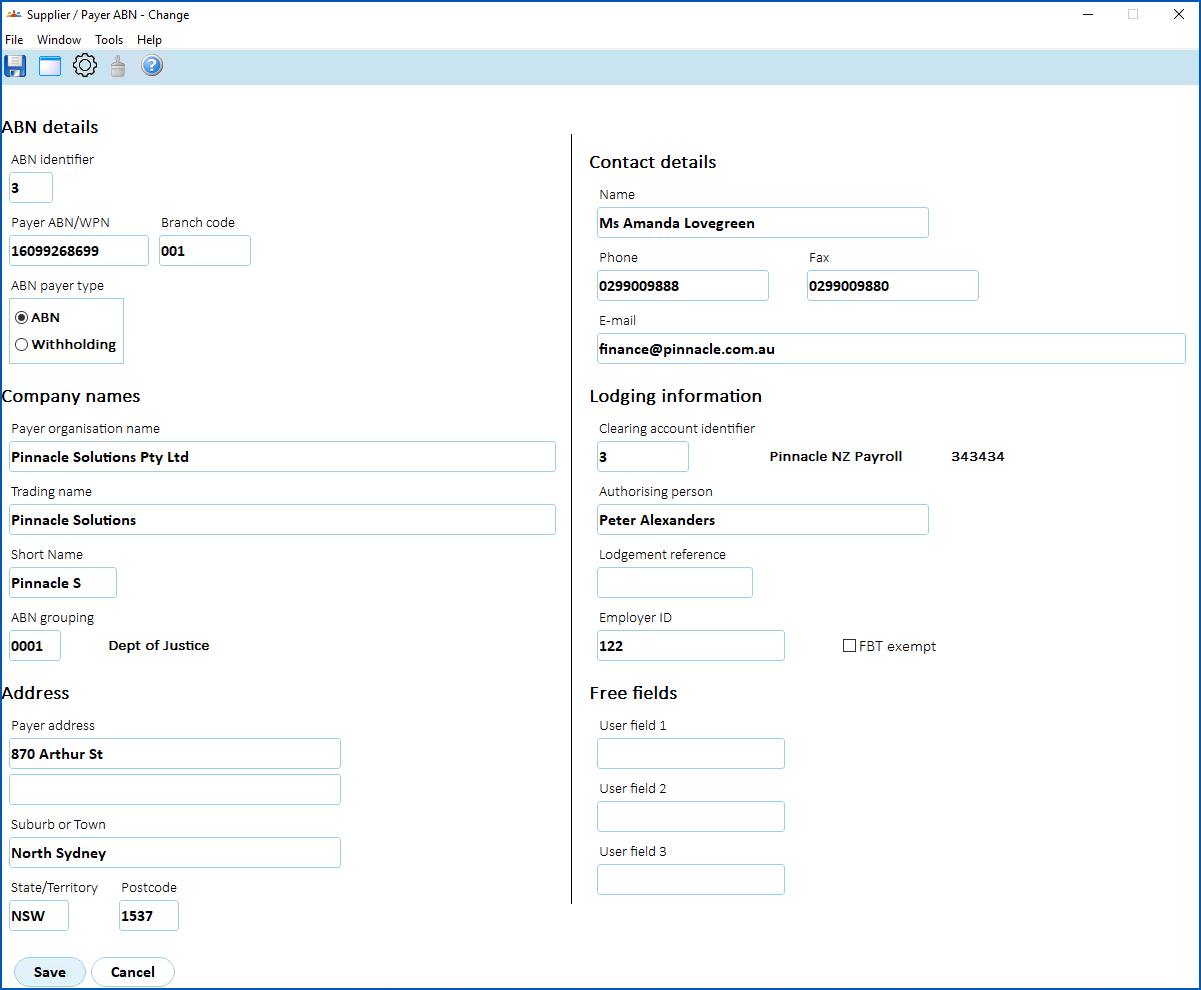
- At the Supplier/Payer ABN detail screen, complete the fields.
- Click Save.
© 2023 Fusion5. All rights reserved.