Branch codes define the branches within your organisation and are the next level above the section level in the organisation structure.
Create a branch code
To create a branch code:
- Go to Control Tables > Organisation > Branch Codes.
- The Branch Codes summary screen displays.
- Click New.
- At the Branch Codes - Add detail screen, make your entries in the branch code fields.
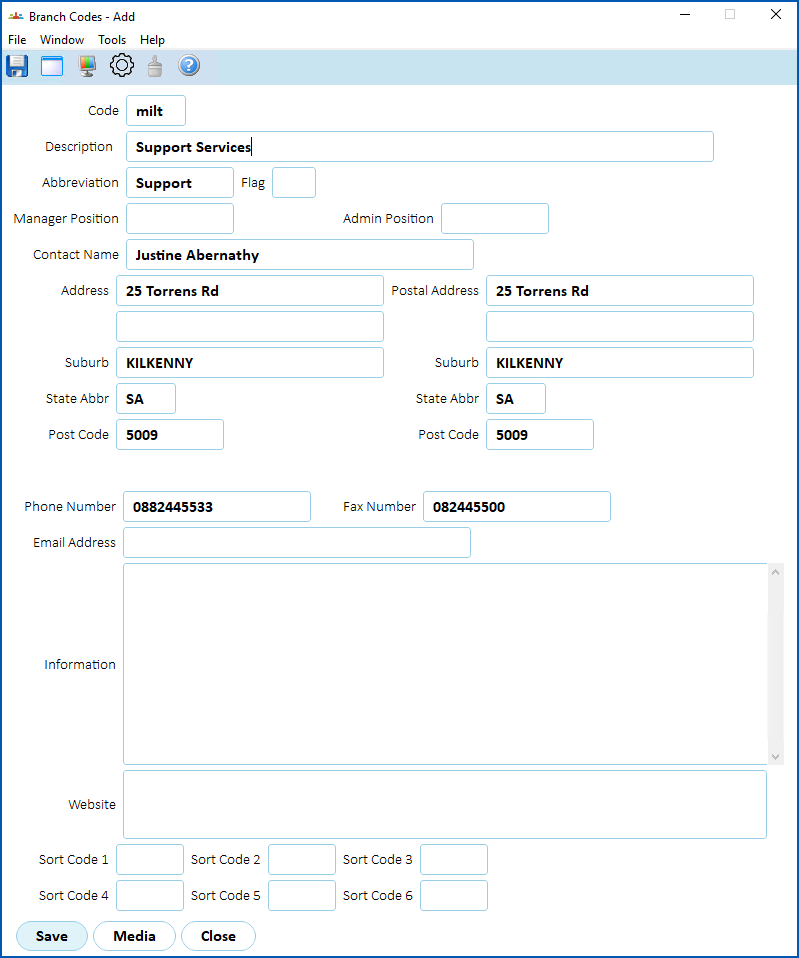
- Click Save.
© 2023 Fusion5. All rights reserved.