Here we show how to apply leave loading to a specific leave type via the leave rule.
To apply leave loading to a leave type:
- Go to Tasks > Leave > Leave Accruals and Rules > Leave Rules.
- At the Leave Rules summary screen, select the row containing the leave rule you want to change, and then click Open.
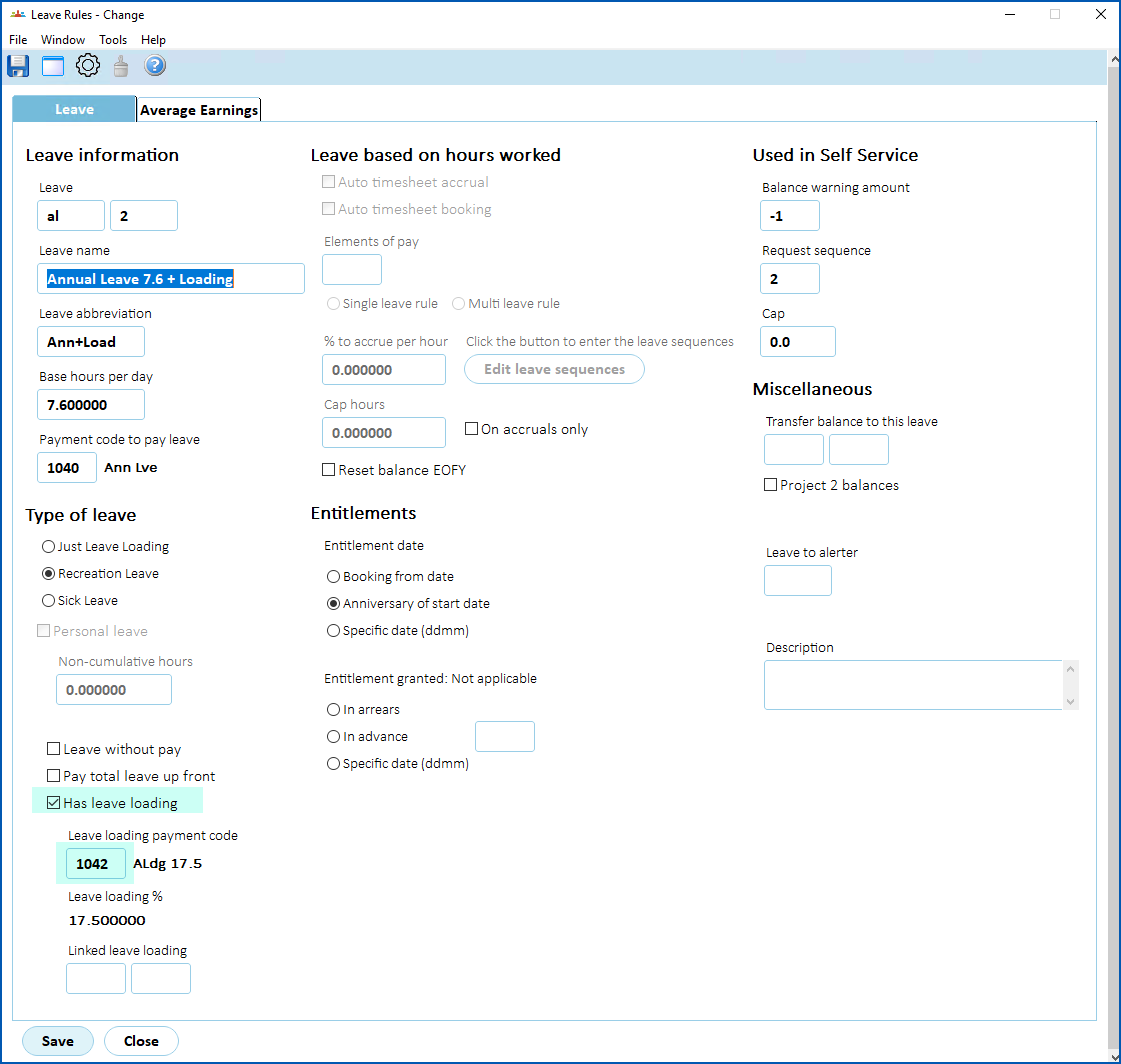
- At the Leave Rules detail screen:
- select Has leave loading
- enter the Leave loading payment code
 | The Leave loading % is set on the the leave loading payment code and is typically 17.5%. |
- Click Save.
© 2023 Fusion5. All rights reserved.