Once your request is submitted, it moves into your organisation's approval workflow. Here's what to expect.
Tracking your request
Your request works its way through one or more approval steps. At each step, you'll receive a notification letting you know what's happened – whether it's been approved, redirected to someone else, or needs your attention.
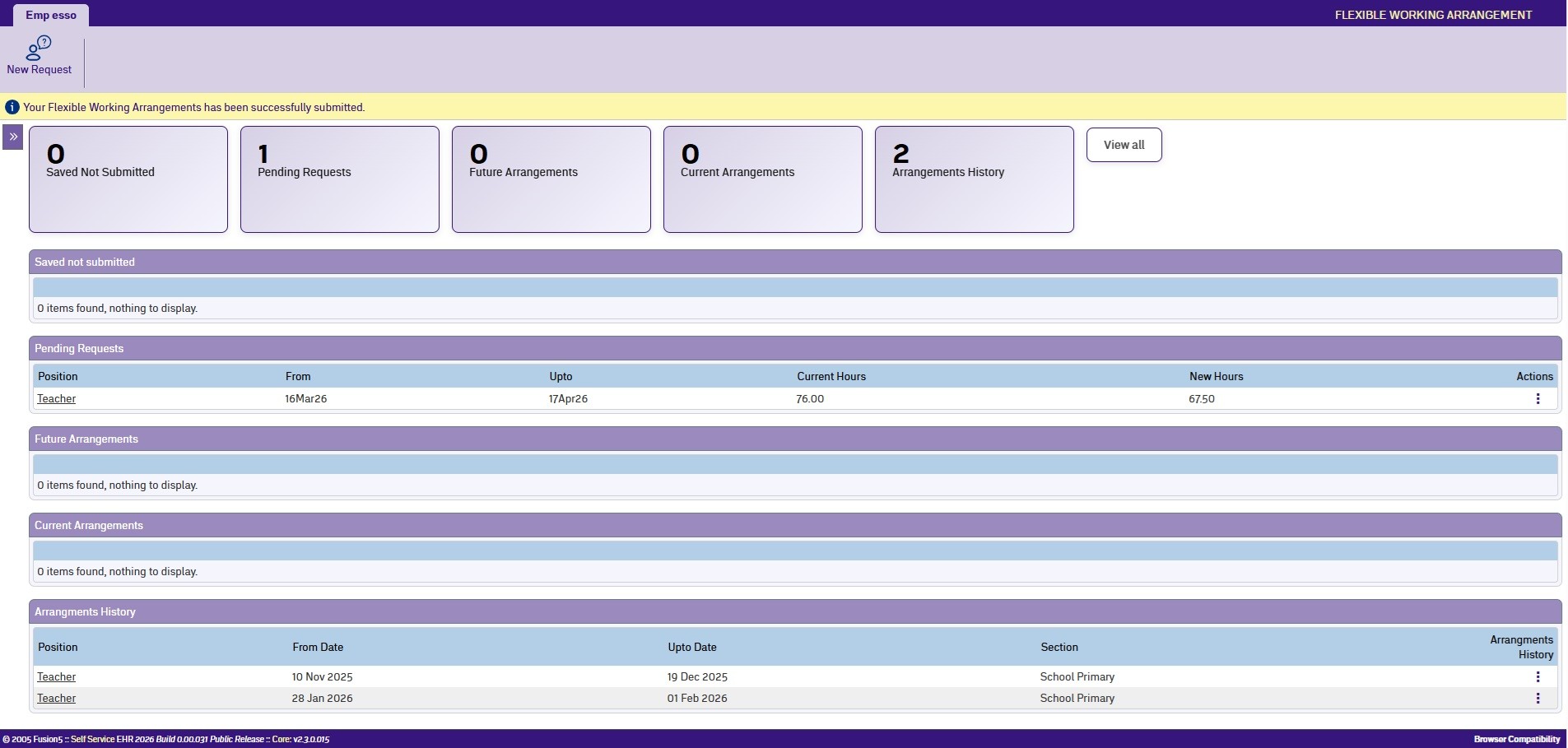
You can also check the status of your request at any time from the Self Service dashboard, which shows where your request is in the approval process.
If your request is returned
An approver may return your request if something needs changing. You'll receive a notification with their comments explaining what to update. Open the request, make the changes, and resubmit it.
If your request is approved
When all approval steps are complete and payroll has processed the arrangement, you'll receive a final notification confirming your new working arrangement is in place.
If your request is rejected
If an approver can't accommodate your request, they'll provide a reason. You can discuss alternative arrangements with your manager or submit a modified request that addresses their concerns.
Next topic |
|---|
© 2023 Fusion5. All rights reserved.