Can I add or update employee demographics information?
- If you need to add or make changes to an individual employee's demographics information, you can do this via the employee's record in the desktop.
- As an employee, you can add or change your own demographics information via the Demographics tab in ESS
 .
ESS = Employee Self Service
Add or update an employee's demographics information in desktop 
To add or update employee demographics information in the desktop:
- Go to Tasks > Employees > Employee Information > Employee Information.
- At the Employee Information summary screen, find the employee record, select it, and then click Personal.
- At Personal & Address Information, go to the Demographics tab, and then click Open.
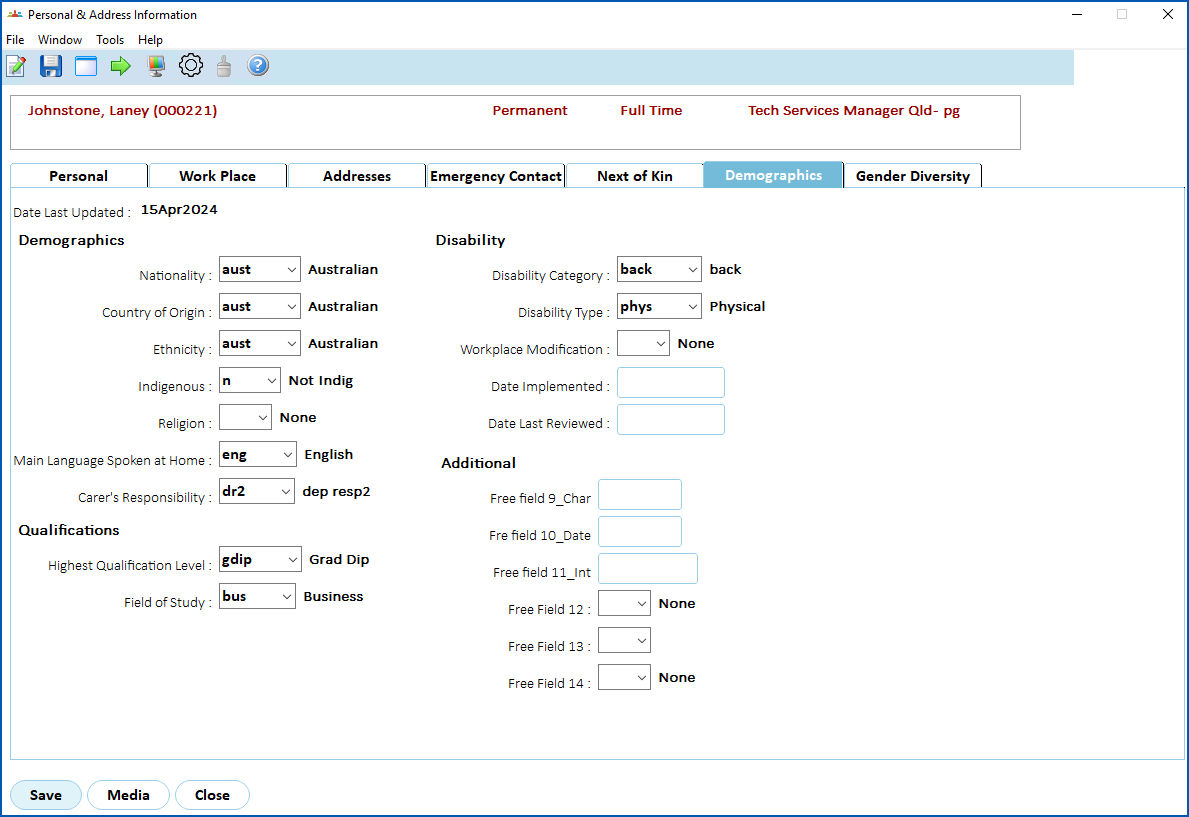
- Complete or change the fields by making a selection from each field's dropdown list. You'll find most fields are self-explanatory, however, see demographics fields explained if you need more information.
- Click Save.
Add or update your own demographics information in ESS 
To add or update your own employee demographics information in ESS:
- Click Personal Details.
- At the Personal Details screen, go to the Demographics tab.
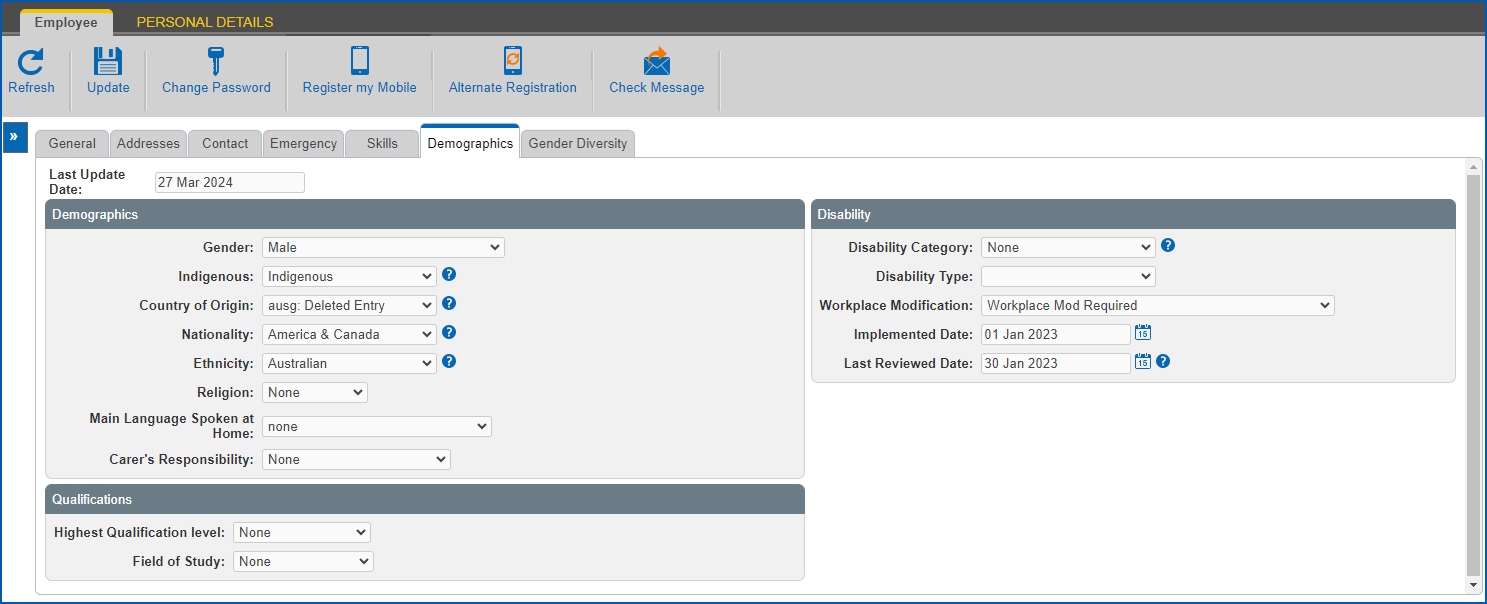
- Complete or change the fields by making a selection from each field's dropdown list. You'll find most fields are self-explanatory, however, see demographics fields explained for more information.
- Click Save.
© 2023 Fusion5. All rights reserved.