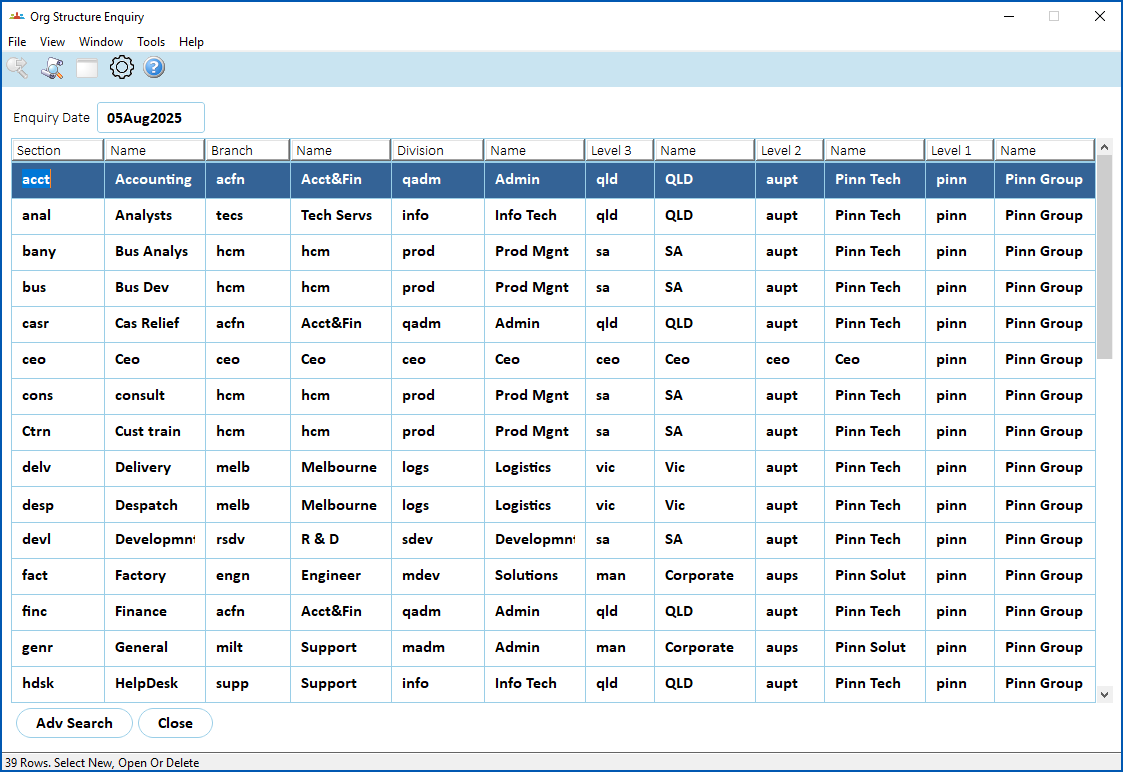
Use this enquiry screen to search your organisation structure at any date.
To view organisation structure:
- Go to Enquiries > Establishment > Org Structure Enquiry.
- EmpowerHR displays the Org Structure Enquiry screen.
- Enter an Enquiry Date, and then press Tab.
- EmpowerHR displays the organisation structure information as at the entered enquiry date.
© 2023 Fusion5. All rights reserved.