For audit purposes, EmpowerHR logs all major processing tasks which you can view in the operator job log.
To view the operator job log:
- Go to Enquiries > Administration > Operator Job Log Enquiry.
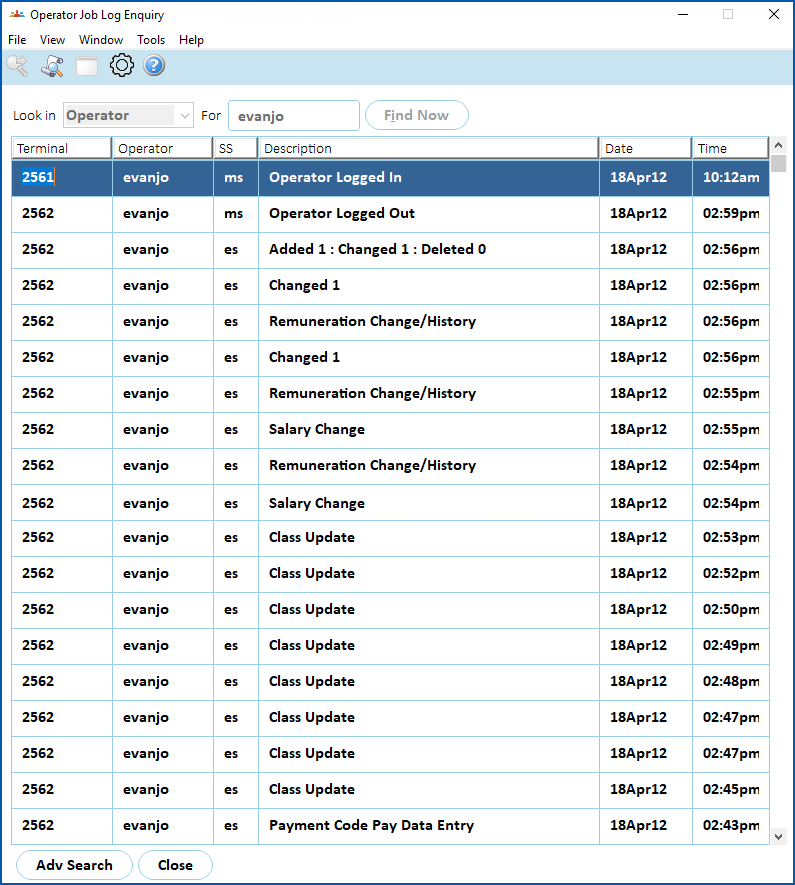
- At the Operator Job Log Enquiry screen, to:
- display all log records, click Find Now, or
- narrow the search, select an option from the Look in dropdown list, enter your search criteria in the For field, and then click Find Now.
 |
Given the large volume of records, it's recommended you choose to narrow your search. |
- The results are displayed.
© 2023 Fusion5. All rights reserved.