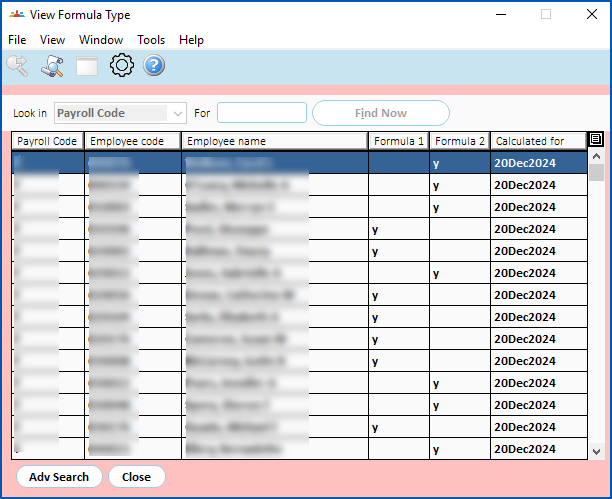
After the formula check process is run, you can view the employees due to receive either a Formula 1 or Formula 2 payment.
To view formula type employee details:
- Go to Enquiries > School > View Formula Type.
- At the View Formula Type summary screen, click Adv Search.
- At the Adv Search screen, do an advanced search using the following examples as a guide.
| To check the... | Do this... |
|---|---|
formula type used to pay formula amounts to an employee's termination | Enter the Employee code. Enter the termination date in the Calculated For field. Click Find Now. |
formula type for an employee paid a block payment | Enter the Employee code. Enter the paid date in the Calculated For field. Click Find Now. |
formula type details for the completed school year | Enter the last day of Term 4 in the Calculated For field. Click Find Now. |
- EmpowerHR displays the results of your search.
© 2023 Fusion5. All rights reserved.