If you enter employee position movements after processing the final Gather and Calculate processes in the pay period flagged as Loading/Christmas Formula period, EmpowerHR automatically:
- recalculates the employee's PBE
 hours for the pay period containing the end of the school vacation period (SVP) and the start of Term 1
PBE = Pay By Exception
- determines the Ordinary Hours for Term 1 commencement when you save the position movement
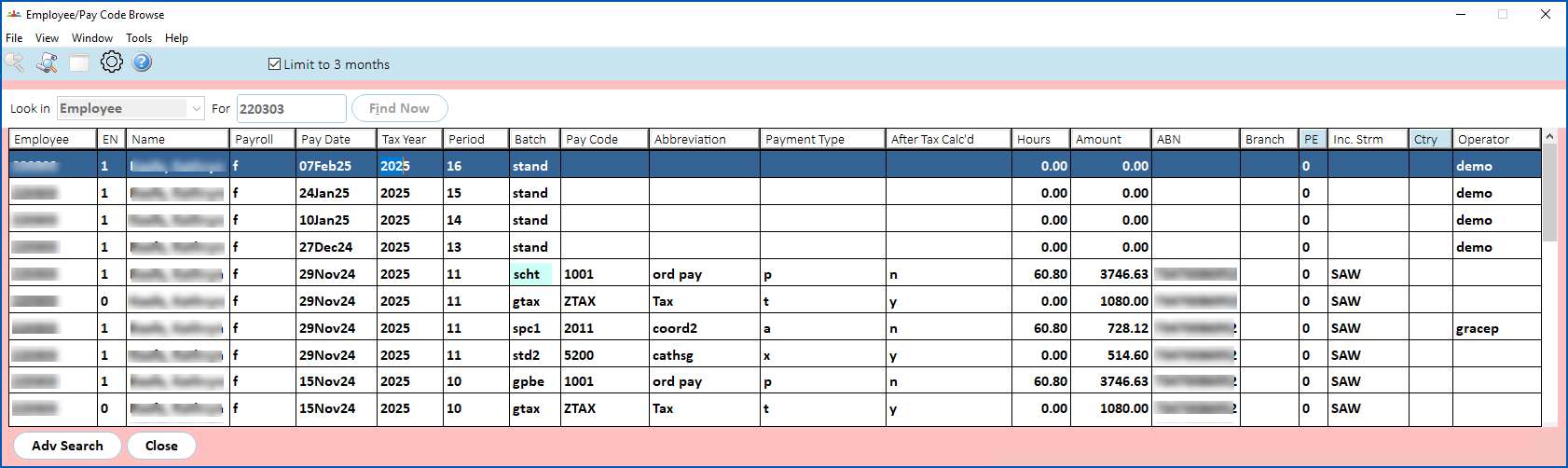
- adds records to the schx and scht batches
To see the batches, go to Enquiries > Payroll > Employee/Pay Code Browse. 
© 2023 Fusion5. All rights reserved.