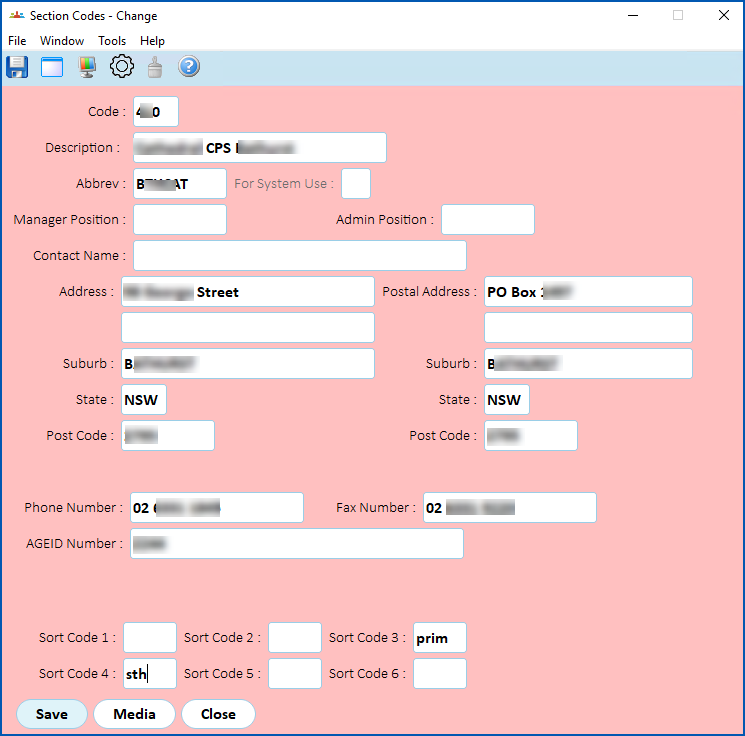
You can organise sections (schools) into high level groups using Section Group 3 and Section Group 4 codes. In ESS, EmpowerHR uses these groups to display sections (schools) in an expandable list.
EmpowerHR:
- advises those occupying positions of Manager and Admin about the progress of recruitment for a casual vacancy
- uses the Phone Number field on the Section Codes screen as a broadcast contact method
Go to:
- Control Tables > Organisation > Organisation Sort Codes and create or update the sort codes you need (for example, sort code 1, sort code 2 etc). For instructions, see sort code 1.
- Control Tables > Organisation > Section Codes and create or update the section codes you need, entering the relevant sort codes in the Sort Code fields. For instructions, see section codes.
© 2023 Fusion5. All rights reserved.