---
title: "Run casual availability background jobs"
id: "run-casual-availability-background-jobs"
project: "EHR User Guide"
url: "https://help.cloud5.com.au/articles/ehr-user-guide/run-casual-availability-background-jobs"
updated: 2026-10-19T00:53:03Z
---
# Run casual availability background jobs
## Availability calendar
At the start of each year, you must run a background job to generate the availability calendar for casual employees to update with their availability details.
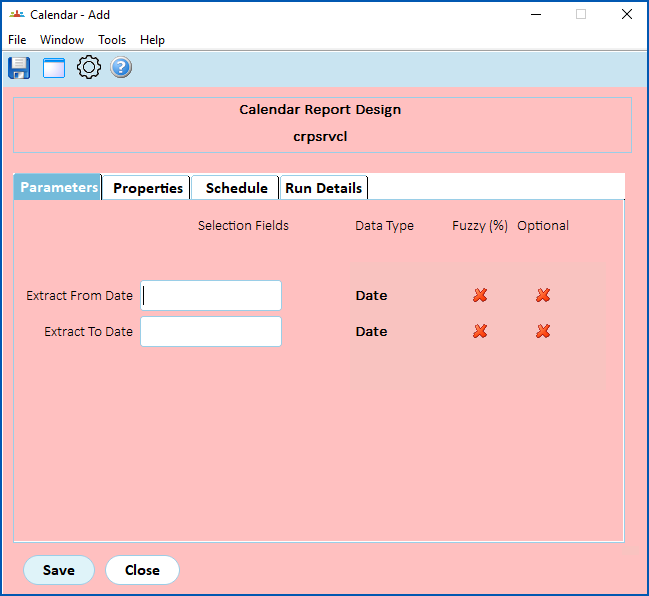
To run the availability calendar background job (**crpsrvcl**):
1. Go to **Background Jobs** > **Extracts** > **Report Design** > **Calendar**.
2. At the **Calendar Report Design** screen (on the **Parameters** tab), in the:
1. **Extract From Date** field, enter the date from which to extract data
2. **Extract To Date** field, enter the date to extract the data up to
1. Click **Save**. EmpowerHR runs the job.
## Casual availability
The casual availability background job must run every day. It generates critical, real-time information about casual availability.
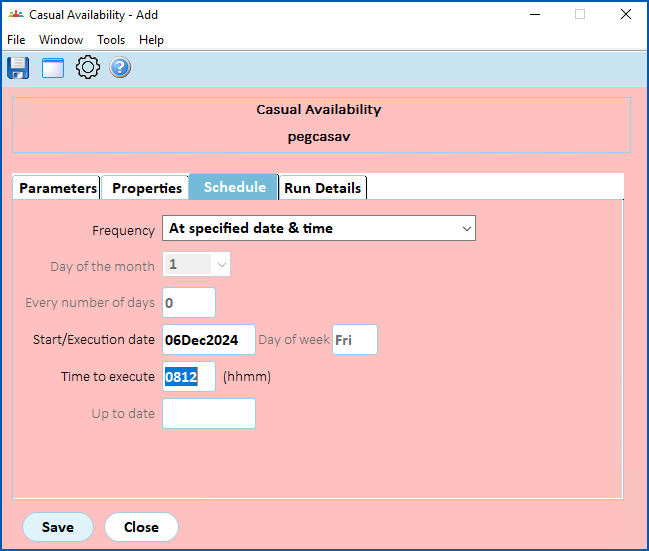
When the first user of the day logs into EmpowerHR, the system automatically generates the job. Alternatively, if you prefer, you can schedule the job to run at a specific time each day.
To run the casual availability background job (**pegcasav**):
1. Go to **Background Jobs** > **Daily Processing**> **Casual Availability**.
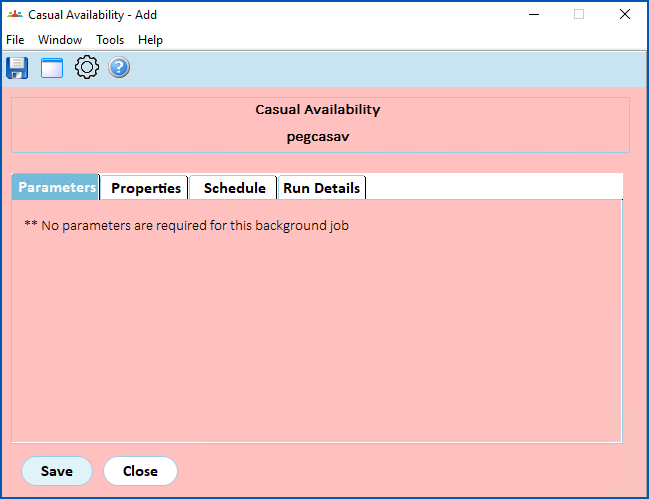
2. At the **Casual Availability** screen, if you:
* want to go ahead and run the background job with its default settings, click **Save**
* prefer to run the background job at a specific time each day, click the **Schedule** tab, and enter the **Time to execute**.**** Click **Save**.
1. EmpowerHR runs the process to work out availability.
| Next topic
[Set installation preferences (casual relief)](/articles/ehr-user-guide/set-installation-preferences-casual-relief) |
| --- |
© 2023 Fusion5. All rights reserved.