---
title: "Review funding for casual relief"
id: "review-funding-for-casual-relief"
project: "EHR User Guide"
url: "https://help.cloud5.com.au/articles/ehr-user-guide/review-funding-for-casual-relief"
updated: 2026-10-19T00:53:00Z
---
# Review funding for casual relief
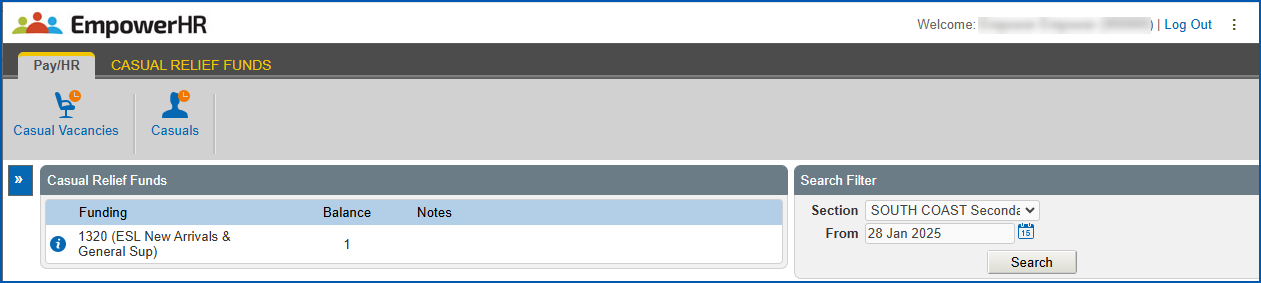
You can review approved funding for casual relief from the Casual Relief Funds screen in EmpowerHR.
To review approved funding:
1. Go to **Casual Relief**> **Casual Relief Funds**.
2. EmpowerHR displays the**Casual Relief Funds**screen.
3. At the **Search Filter**, in:
1. **Section,**select a school from the dropdown list
2. **From**, click **Date Lookup** and select a date to search on
4. Click **Search**. EmpowerHR displays a summary of funds available to the section (school) you selected.
5. Click a cost centre to view its history of approvals, expirations, and claims.
|  | When funds are approved, an expiry date is provided. The claim date must fall on or before the expiry date, otherwise the approval expires. |
| --- | --- |
| Next topic
[Approve funding for casual relief](/articles/ehr-user-guide/approve-funding-for-casual-relief) |
| --- |
© 2023 Fusion5. All rights reserved.