You can use EmpowerHR's pay data entry screens for multiple employments. 
For example, when you open the Employee Pay Data Entry screen, the Employment field initially defaults to 999.
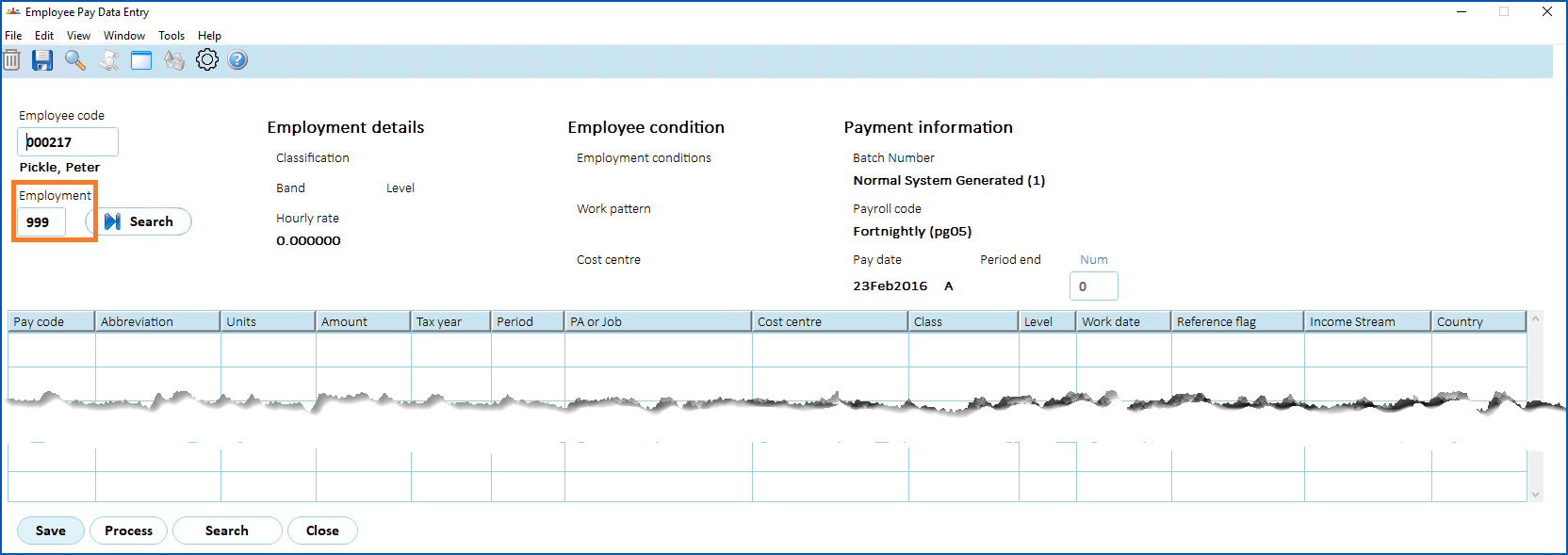
When you press Tab to navigate away from the Employee Code field, if EmpowerHR finds:
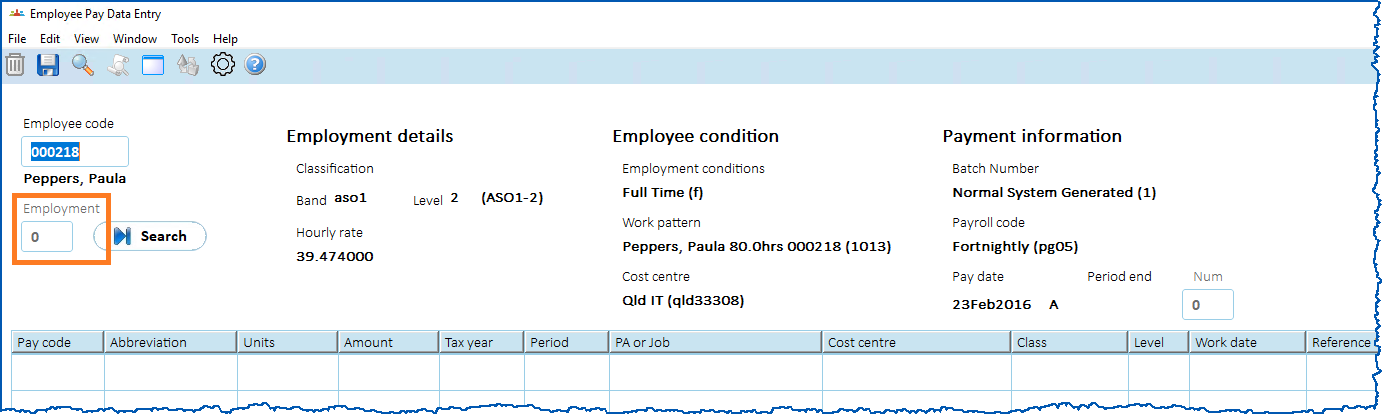
- a single employment, the Employment field displays 0 together with the employment details, conditions, and payment information
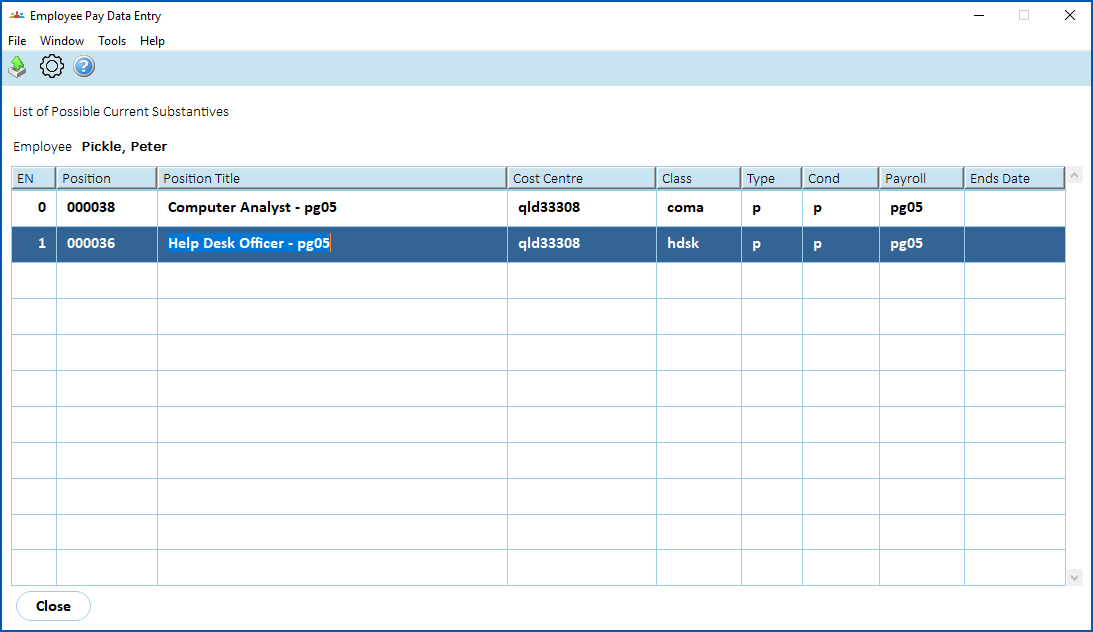
- multiple employments, a pop-up window displays where you double-click the employment number you want to work on, and EmpowerHR displays that number in the Employment field together with the employment details, conditions, and payment information
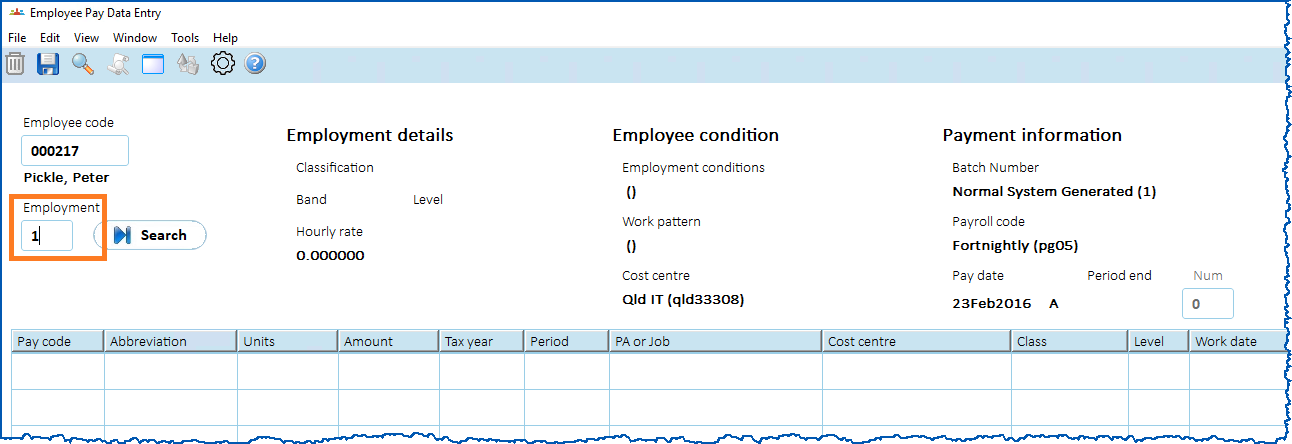
Then you can proceed with pay data entry in the usual way.
© 2023 Fusion5. All rights reserved.