Overtime codes are a set of rules EmpowerHR applies when anyone makes an overtime request, based on the values in the rule fields.
Create an overtime code
To create an overtime code:
- Go to Control Tables > Relief and Payments > Payments > Overtime.
- At the Overtime summary screen, click Find Now to list all existing overtime codes.
- Click New.
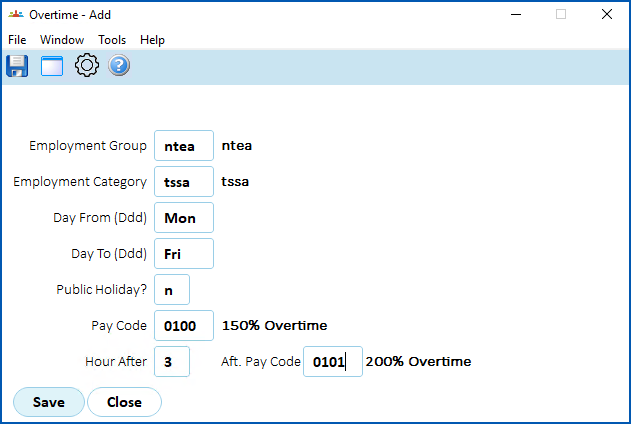
- At the Overtime detail screen, make your entries in the overtime code fields.
- Click Save.
© 2023 Fusion5. All rights reserved.