---
title: "Overtime codes"
id: "overtime-codes"
project: "EHR User Guide"
url: "https://help.cloud5.com.au/articles/ehr-user-guide/overtime-codes"
updated: 2026-10-19T00:52:37Z
---
# Overtime codes
Overtime codes are a set of rules EmpowerHR applies when anyone makes an overtime request, based on the values in the rule fields.
## Create an overtime code
To create an overtime code:
1. Go to **Control Tables** > **Relief and Payments** > **Payments** > **Overtime**.
2. At the **Overtime** summary screen, click **Find Now** to list all existing overtime codes.
3. Click **New**.
4. At the **Overtime** detail screen, make your entries in the [overtime code fields](/articles/ehr-user-guide/overtime-code-fields).
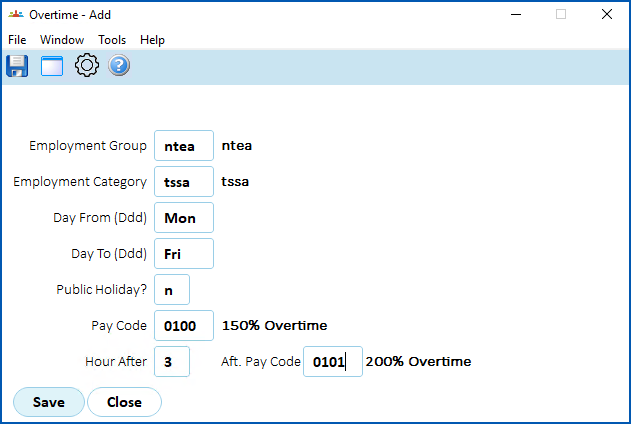
1. Click **Save**.
| Next topic
[Overtime code fields](/articles/ehr-user-guide/overtime-code-fields) |
| --- |
© 2023 Fusion5. All rights reserved.