---
title: "Organisation updates"
id: "organisation-updates"
project: "EHR User Guide"
url: "https://help.cloud5.com.au/articles/ehr-user-guide/organisation-updates"
updated: 2026-10-19T00:52:40Z
---
# Organisation updates
This process is used to update privacy levels and organisation access codes for changes to employees, positions, etc.
|  | You can also run this process as a background job via **Jobs** > **System Security** > **Organisation Update**. It's recommended you schedule the background job to run daily. |
| --- | --- |
To run an organisation update: 
1. Go to **Administration** > **System Security** > **Organisation Update**.
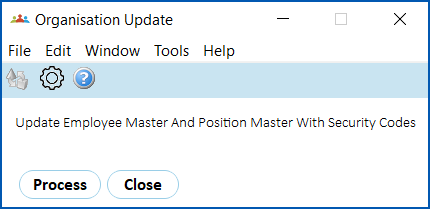
1. Click **Process**.
|  | If errors occur, you can view them at **Administration**> **System Security**> **View Organisation Update Error**. |
| --- | --- |
| Next topic
[Security audit access](/articles/ehr-user-guide/security-audit-access) |
| --- |
© 2023 Fusion5. All rights reserved.