LSL hours constants are used in long service leave (LSL) hour accruals rule sequences.
To create a LSL hours constant:
Go to Control Tables > Leave > LSL Hours Constants.
At the LSL Hours Constants summary screen, click Find Now to see a list of existing constants.
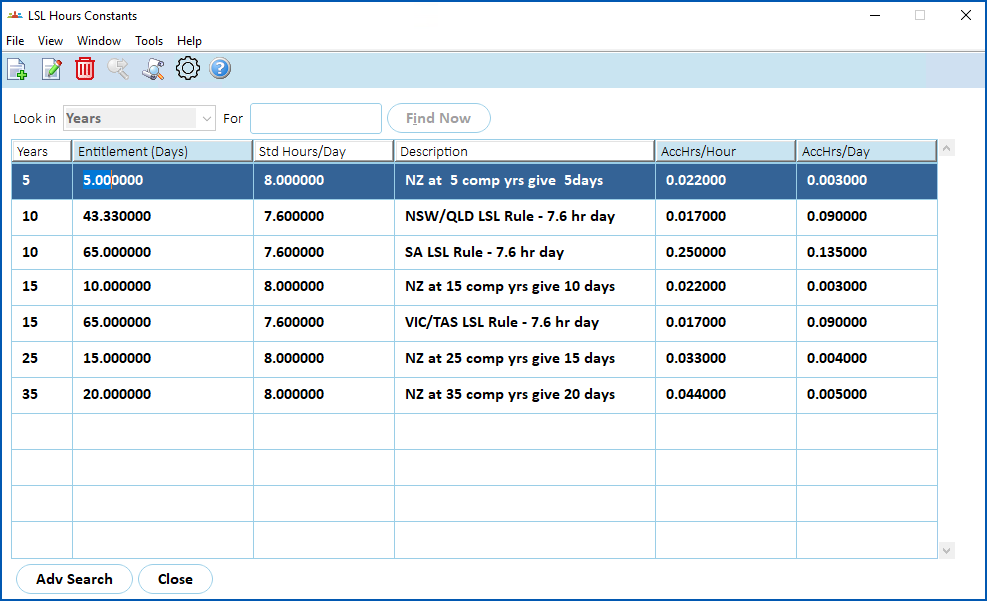
- Click New.
At the Leave Element Codes detail screen, make your selections and entries in the LSL hours constant fields.
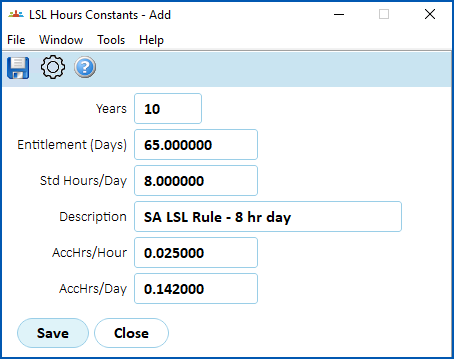
- Click Save.
© 2023 Fusion5. All rights reserved.