---
title: "Installation constants"
id: "installation-constants"
project: "EHR User Guide"
url: "https://help.cloud5.com.au/articles/ehr-user-guide/installation-constants"
updated: 2026-10-19T00:54:01Z
---
# Installation constants
To set an installation constant:
1. Go to **Administration** > **Agency Management** > **Installation Constants**.
2. The **Installation Constants** screen displays.
| Version EHR 2026 | 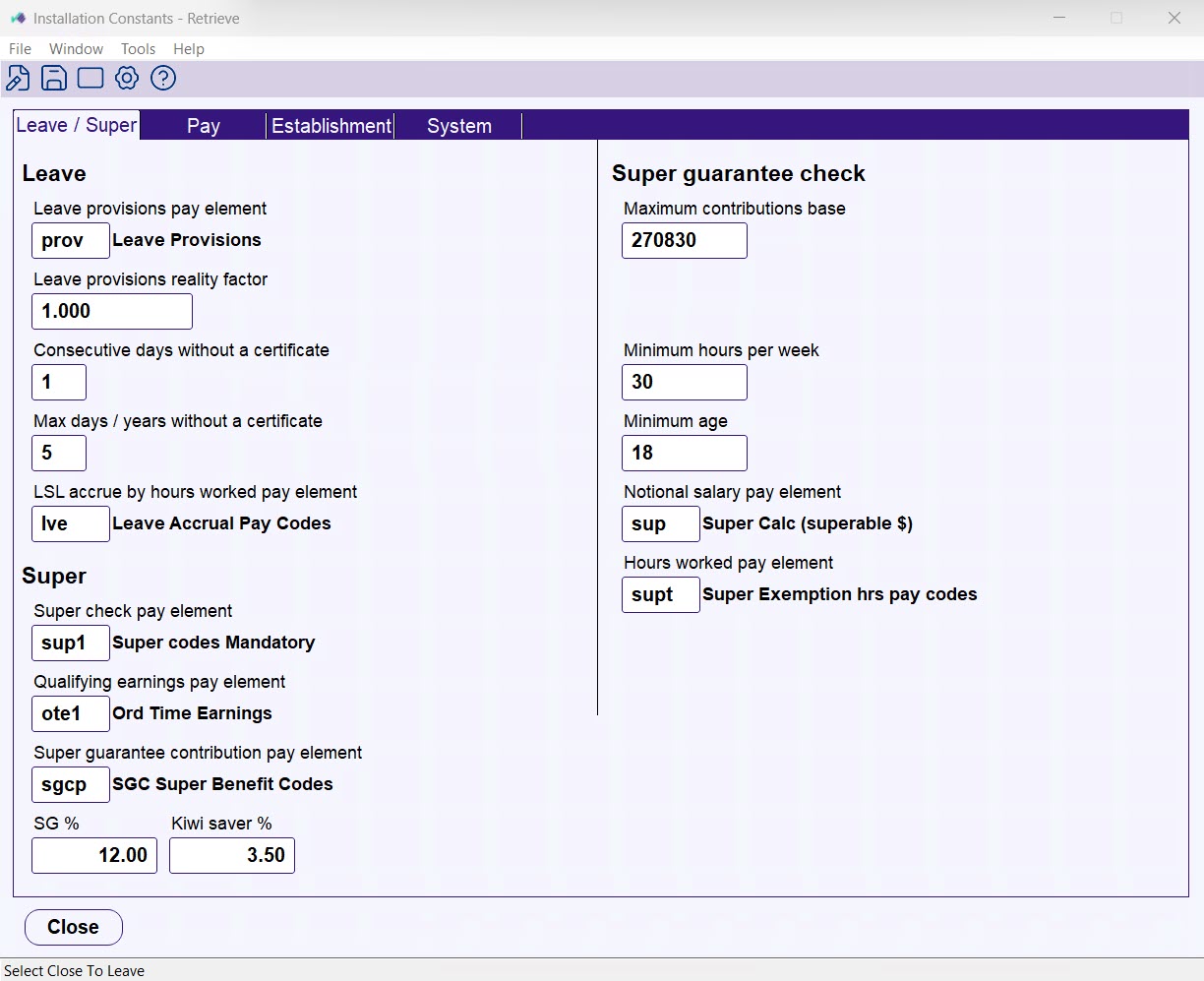 |
| --- | --- |
| Version EHR 2025 | 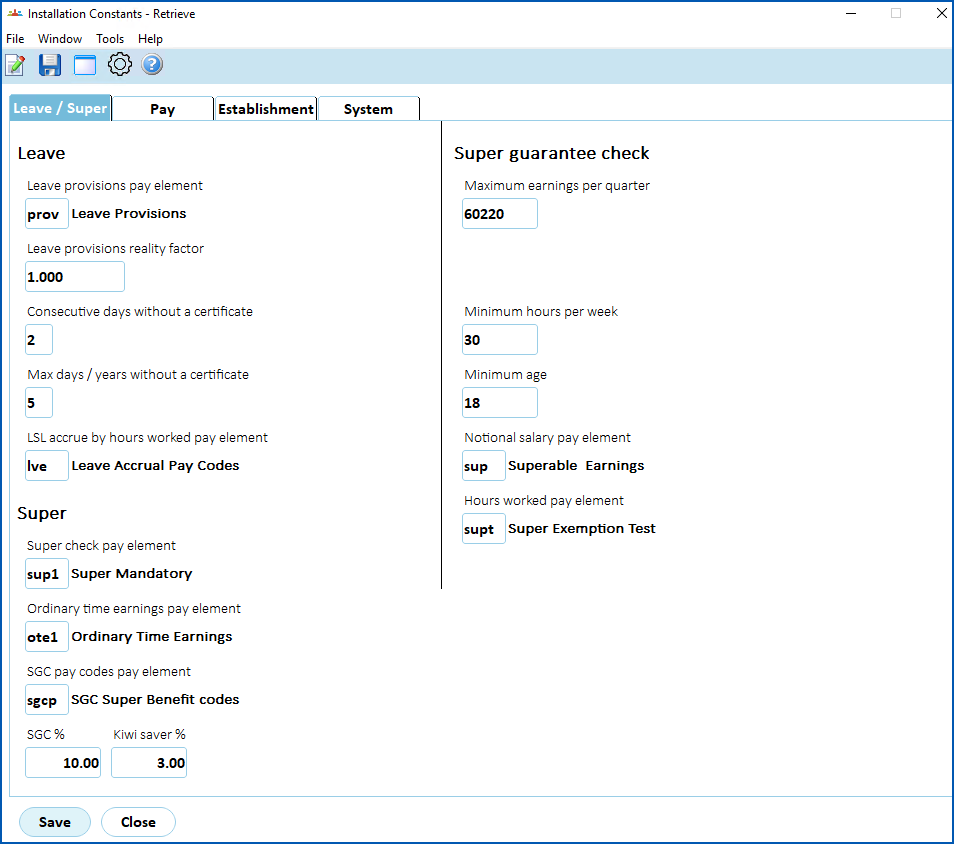 |
1. Click **Open**.
2. Make your changes in the fields on the relevant tabs. For a description of each field, see:
* [Leave/super tab](/articles/ehr-user-guide/leave-super-tab)
* [Pay tab](/articles/ehr-user-guide/pay-tab)
* [Establishment tab](/articles/ehr-user-guide/establishment-tab)
* [System tab](/articles/ehr-user-guide/system-tab)
1. Click **Save**.
| Next topic
[Leave/super tab](/articles/ehr-user-guide/leave-super-tab) |
| --- |
© 2023 Fusion5. All rights reserved.