If you use EmpowerHR's casual relief feature, you need to run the calendar extract job, and you might typically run it each year. See availability calendar to learn more.
If you don't use the casual relief feature, you still need to run the calendar extract job so when you run a formula check, it is successful. This is because EmpowerHR checks the required dates exist on the calendar table and, if they don't, an error occurs. You can run the calendar extract job as often as it suits your requirements. For example, if you set the date range parameters to just one year, you would need to run the extract again in a year. If you set a longer date range well into the future, for example, 2030, you would only need to run the extract again nearer to that time.
To run the calendar extract background job (crpsrvcl):
- Go to Background Jobs > Extracts > Report Design > Calendar.
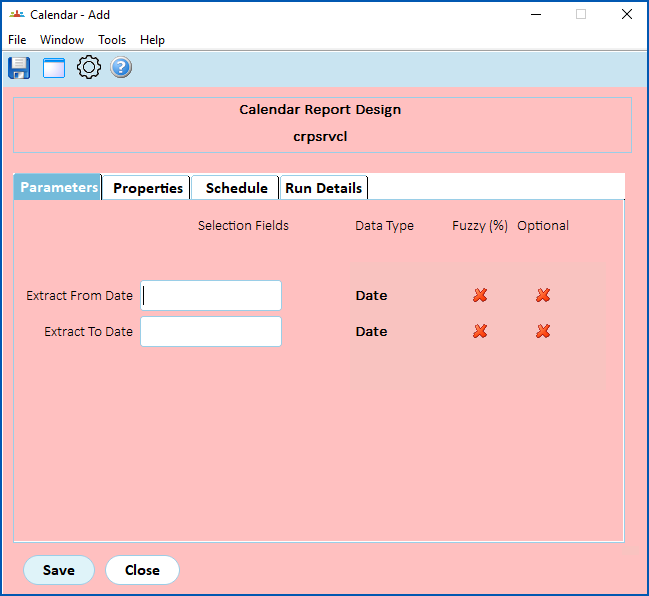
- At the Calendar Report Design screen (on the Parameters tab), in the:
- Extract From Date field, enter the date from which to extract data
- Extract To Date field, enter the date to extract the data up to

|
To ensure the calendar table has future dates, we recommend you run the calendar extract job to a date well into the future, for example, 2030. |
- Click Save. EmpowerHR runs the job.
© 2023 Fusion5. All rights reserved.