---
title: "Establishment tab"
id: "establishment-tab"
project: "EHR User Guide"
url: "https://help.cloud5.com.au/articles/ehr-user-guide/establishment-tab"
updated: 2026-10-19T00:54:25Z
---
# Establishment tab
Here's an example of the **Installation Constants**- **Establishment**tab.
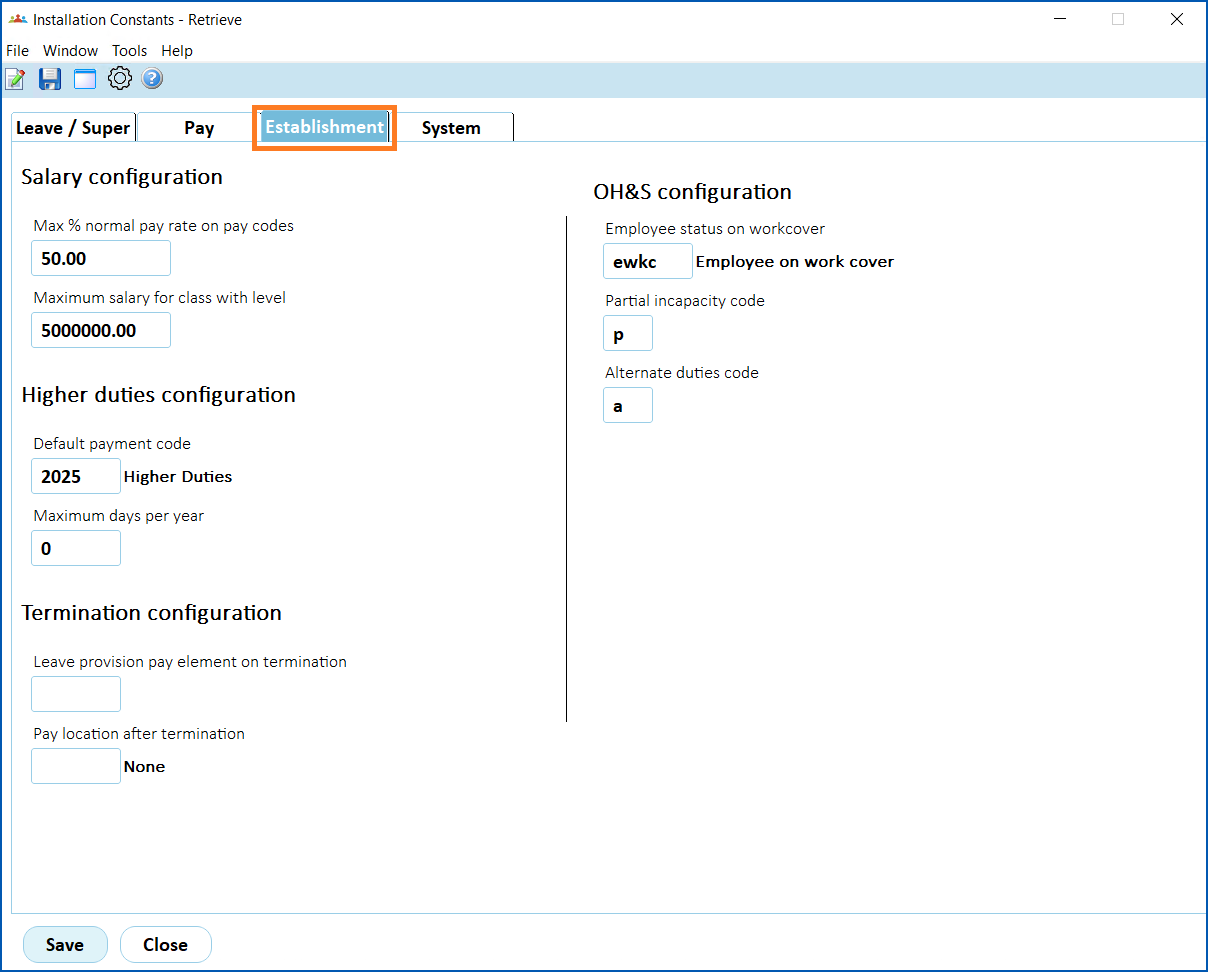
Here’s a description of each field on the **Establishment** tab.
| **Field** | **Description** |
| --- | --- |
| **Salary Configuration** |
| Max % normal pay rate on pay codes | For classification elements, this is the maximum percentage of normal pay that can be used in the %age field. |
| Maximum salary for class with level | The maximum salary that can be recorded in the salary field in a classification. |
| **Higher duties configuration** |
| Default payment code | The default payment code that displays in the **Payment Code** field on the **Higher Class Duties** screen. |
| Maximum days per year | The maximum number of days of HDA per year without producing a warning on the **Higher Class Duties** screen. |
| **Termination configuration** |
| Leave provision pay element on termination | The pay element code for allowances and transactions to include in leave calculations for terminations. |
| Pay location after termination | If this field contains a value, the location overrides the employee's pay location after their termination is processed. |
| Next topic
[Bulk data uploads](/articles/ehr-user-guide/bulk-data-uploads) |
| --- |
© 2023 Fusion5. All rights reserved.