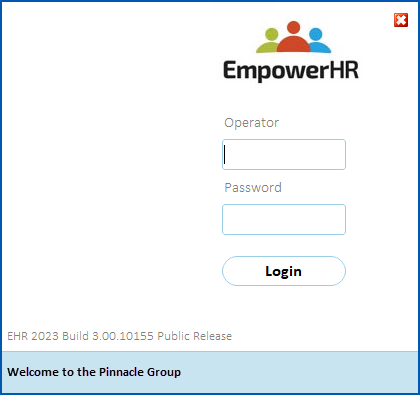
You can create a custom message to display at the bottom of the EmpowerHR login screen.
To create a custom login message: 
- Go to Administration > Agency Management > Login Message Update.
- At the Login Message Update screen, click Open.
- Type the login message you want to display.

|
By default, the text is left-aligned. You can use the space bar to manually change the alignment if you want. |
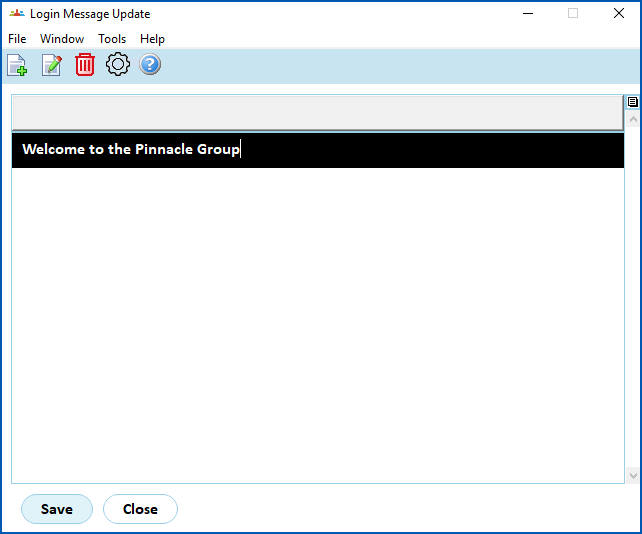
- Click Save.
- Click Close. Now when anyone in your organisation logs in, the new message displays.
© 2023 Fusion5. All rights reserved.