You define the organisation group of employees a user is allowed to access when you create a new user profile.
You may also need to change the organisation access from time to time and this topic shows you how.
To change organisation access:
- Go to Administration > Security > Organisation Access.

|
When working from the User Profile catalogue, you can navigate to the Organisation Access catalogue by clicking   (ellipsis) and selecting Org Access from the Actions dropdown menu. |
- The Organisation Access catalogue displays.
- At Search Filter, complete the fields according to the type of search criteria you want to apply, and then click Search to see the results.
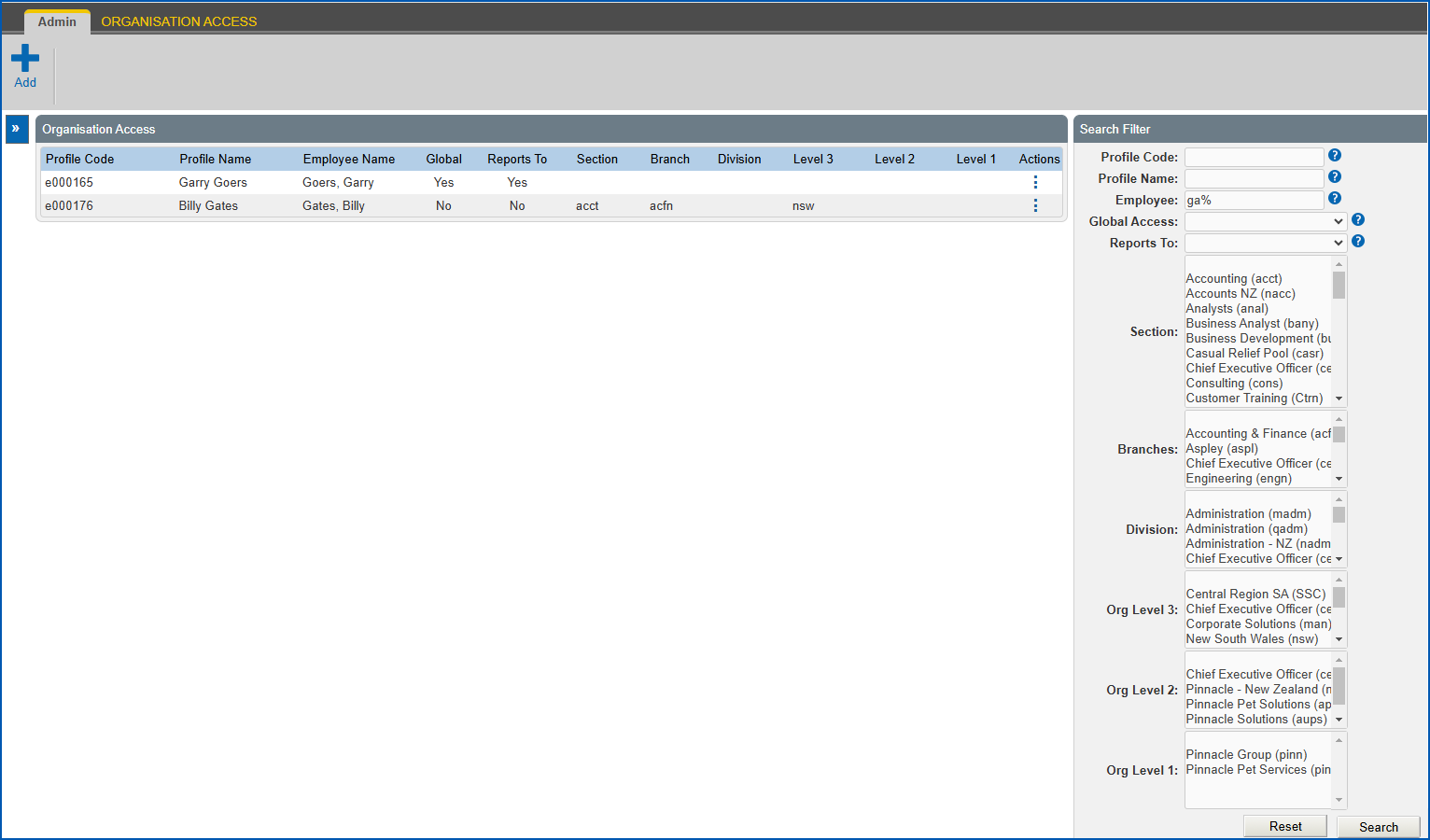
- At the row containing the profile whose organisation access you want to change, click Actions and then select Edit from the menu.
- EmpowerHR displays the Organisation Access details screen.
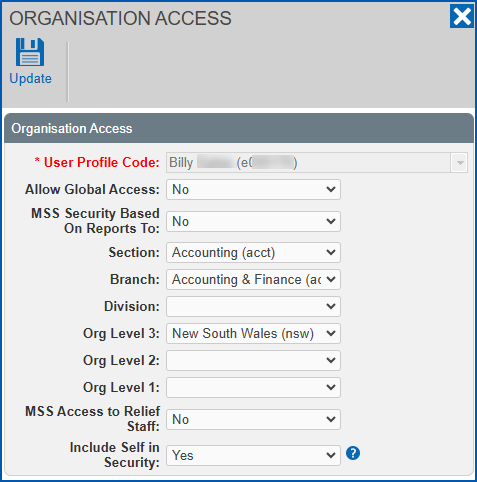
- Make the changes you want to the organisation access fields.
- Click Update.
© 2023 Fusion5. All rights reserved.