---
title: "Change organisation access"
id: "change-organisation-access"
project: "EHR User Guide"
url: "https://help.cloud5.com.au/articles/ehr-user-guide/change-organisation-access"
updated: 2026-10-19T00:52:42Z
---
# Change organisation access
You define the organisation group of employees a user is allowed to access when you create a new user profile.
You may also need to change the organisation access from time to time and this topic shows you how.
To change organisation access:
1. Go to **Administration** > **Security** > **Organisation Access**.
|  | When working from the **User Profile** catalogue, you can navigate to the **Organisation Access** catalogue by clicking (ellipsis) and selecting **Org Access** from the **Actions** dropdown menu. |
| --- | --- |
1. The **Organisation Access** catalogue displays.
2. At **Search Filter**, complete the fields according to the type of search criteria you want to apply, and then click **Search**to see the results.
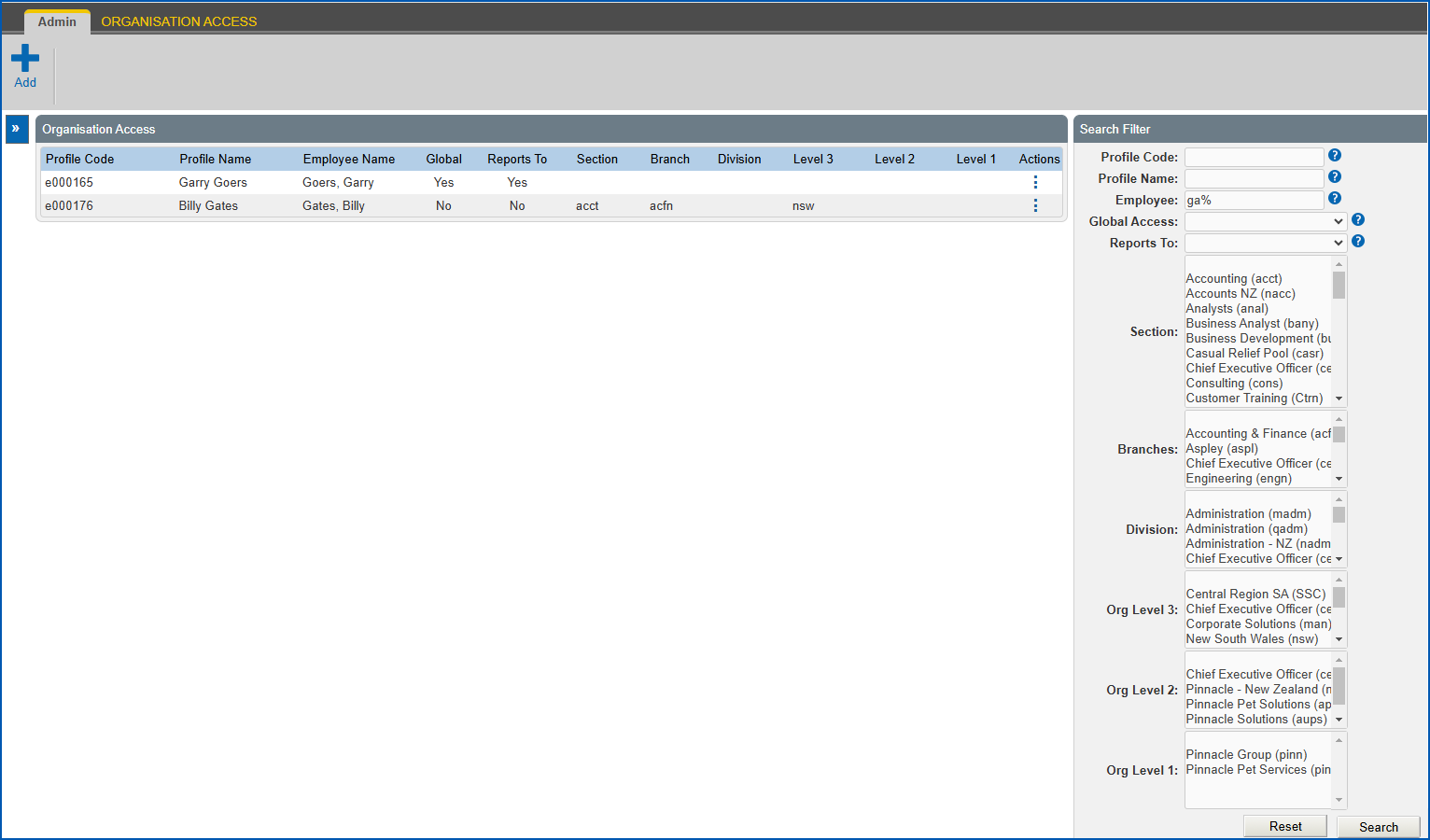
1. At the row containing the profile whose organisation access you want to change, click **Actions** and then select **Edit** from the menu.
2. EmpowerHR displays the **Organisation Access** details screen.
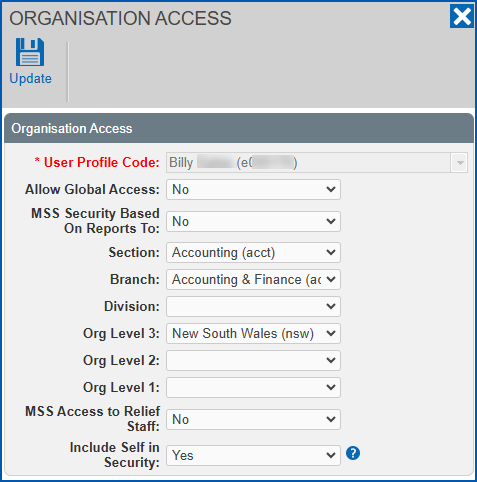
1. Make the changes you want to the [organisation access fields](/articles/ehr-user-guide/user-profile-fields/a/orgaccess).
2. Click **Update**.
| Next topic
[Self service templates](/articles/ehr-user-guide/self-service-templates) |
| --- |
© 2023 Fusion5. All rights reserved.