---
title: "Catholic educ xmas pay check"
id: "catholic-educ-xmas-pay-check"
project: "EHR User Guide"
url: "https://help.cloud5.com.au/articles/ehr-user-guide/catholic-educ-xmas-pay-check"
updated: 2026-10-19T00:52:52Z
---
# Catholic educ xmas pay check
This report provides a check on payments generated for the Christmas pay period. These details are included in the **schl** batch.
To run the catholic educ xmas pay check report (**xsch003k**):
1. Go to **Background** **Jobs**>**School** > **Schools Reporting** > **Catholic Educ Xmas Pay Check**.
2. At the **Catholic Educ Xmas Pay Check**screen, enter:
1. an individual **Payroll Code**, or else enter **%** to report on all payroll codes
2. an individual **Batch Number**, or else enter **%** to report on all work batch numbers
3. the **Commencing Paid Date**
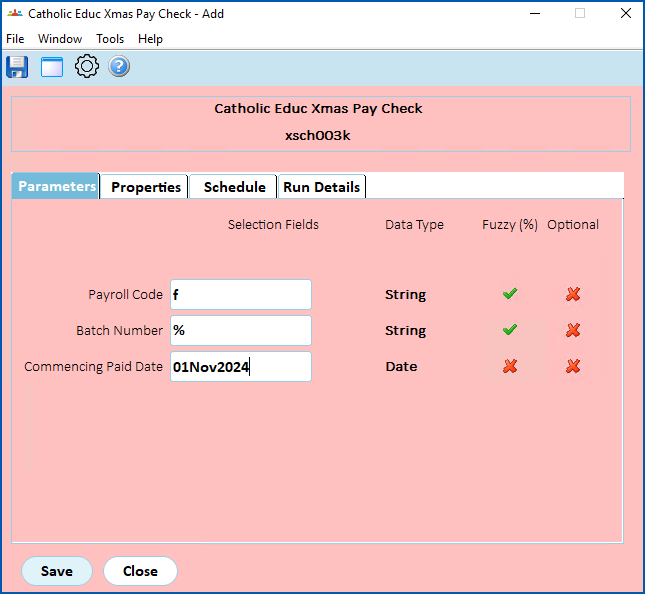
1. Click **Save**. EmpowerHR runs the report.
2. Go to **Background Jobs**>**Requested Jobs**> **Requested Jobs**to see the report.
| Next topic
[Finance management](/articles/ehr-user-guide/finance-management) |
| --- |
© 2023 Fusion5. All rights reserved.