This report provides a list of current employees with their Auto increment details entered in the HRTSCHO1 table.
To run the catholic educ check hrtscho1 report (xsch008k):
Go to Background Jobs > School > Schools Reporting > Catholic Educ Check HRTSCHO1.
- At the Catholic Educ Check HRTSCHO1 screen, click Save.
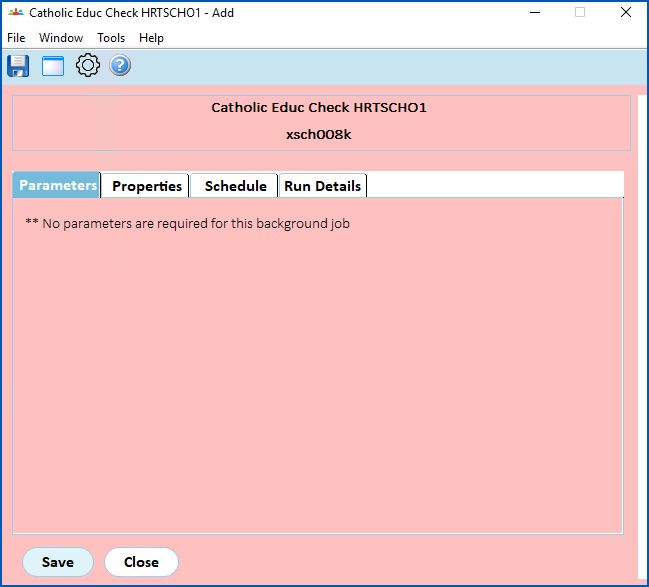
- EmpowerHR runs the report.
- Go to Background Jobs > Requested Jobs > Requested Jobs to see the report.
© 2023 Fusion5. All rights reserved.