---
title: "Allocate classifications to awards"
id: "allocate-classifications-to-awards"
project: "EHR User Guide"
url: "https://help.cloud5.com.au/articles/ehr-user-guide/allocate-classifications-to-awards"
updated: 2026-10-19T00:52:48Z
---
# Allocate classifications to awards
Allocate classifications to awards
Identify which awards you want EmpowerHR to process using school functionality calculations.
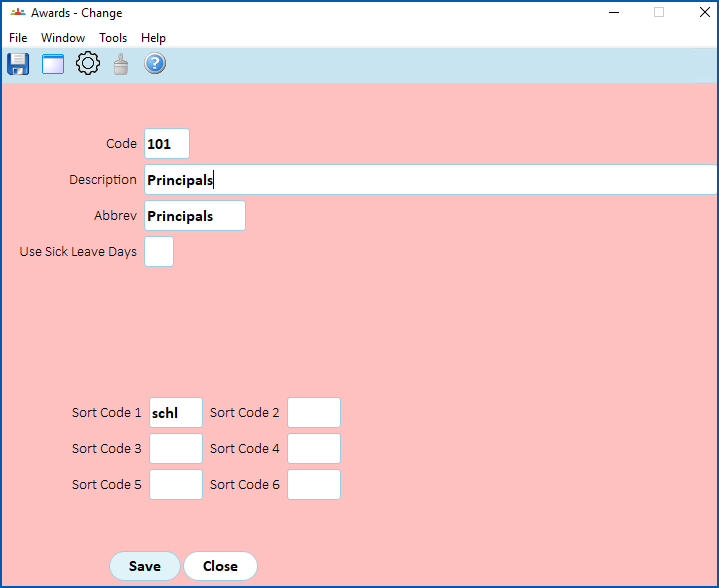
Go to **Tasks** > **Classifications** > **Awards** and:
* allocate each classification to an award
* for each teacher award, enter **schl **in **Sort Code 1**l is the letter l and not the number 1
| Next topic
[Map casual classification](/articles/ehr-user-guide/map-casual-classification) |
| --- |
© 2023 Fusion5. All rights reserved.